QR ordering system: how it works and how to choose one
A QR ordering system lets guests scan, order from their phone and send it to the kitchen. How it works, key features and how to choose one.
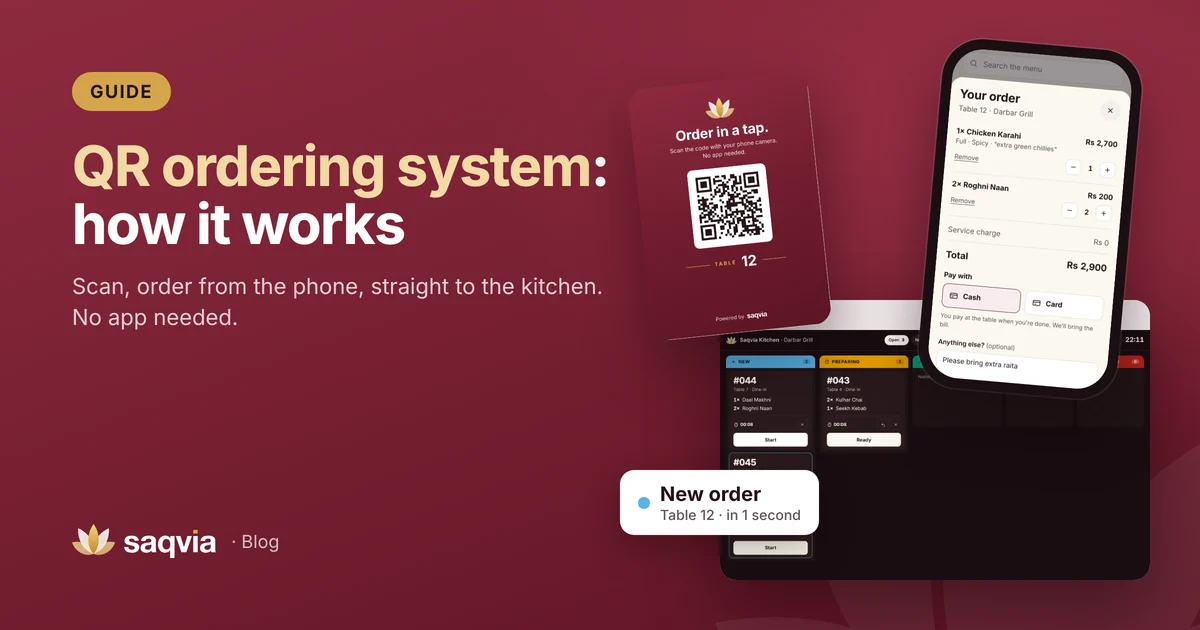
A QR ordering system lets guests order food and drinks from their own phone by scanning a QR code on the table. The order goes straight to the kitchen with the table number, and the guest can follow it until it reaches the table. No app to download, no waiting to catch a waiter's eye.
This guide explains what a QR ordering system is, how it works from the table to the kitchen, what it includes, who it suits, and how to choose the right one for your restaurant, café or hotel.
What is a QR ordering system?
A QR ordering system has three connected parts:
- A QR code on every table (or room), linked to that table.
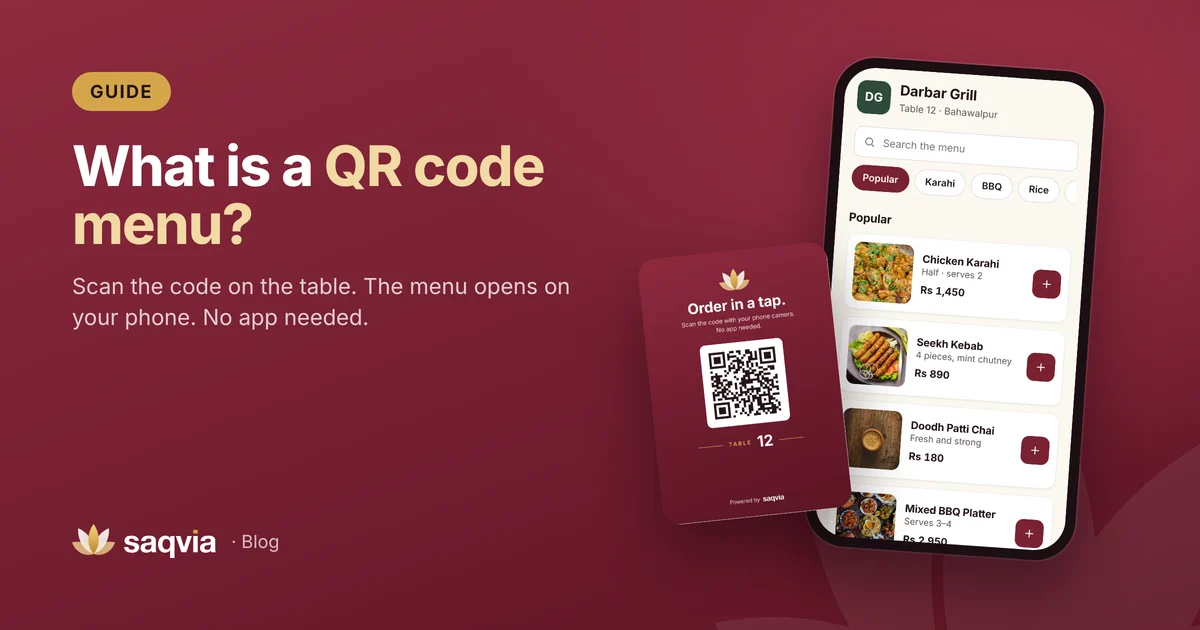
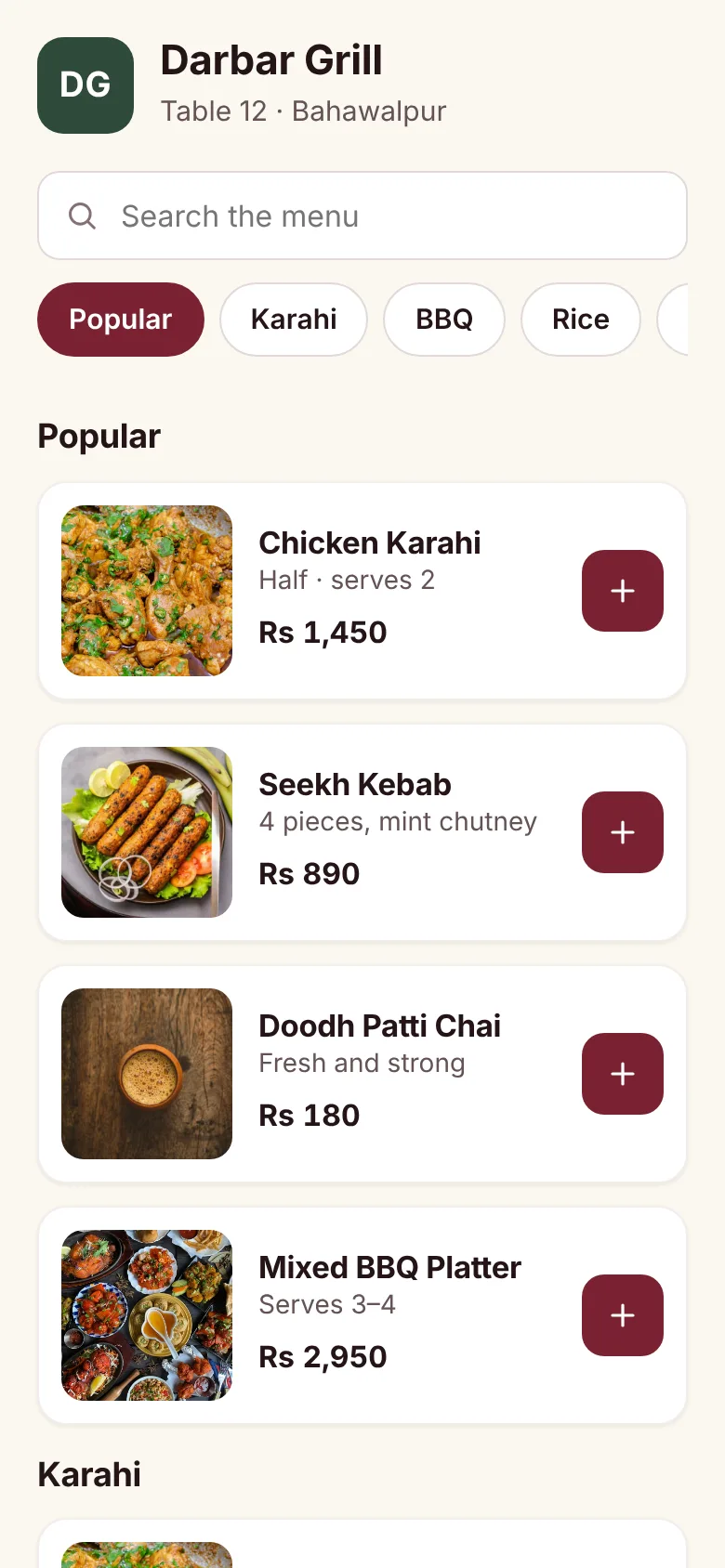
- A digital menu that opens in the phone's browser after scanning, with a cart and a Place order button.
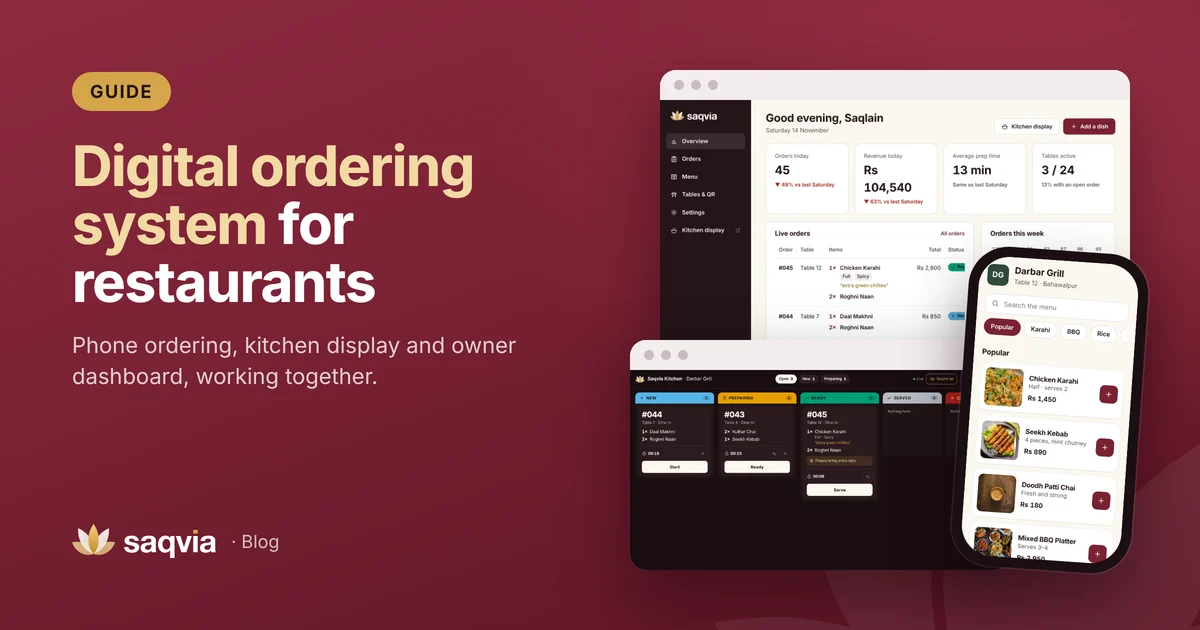
- A kitchen display and owner dashboard where orders arrive, move through their stages and are recorded.
It goes further than a QR code menu, which only shows the menu. With a QR ordering system the guest actually places the order, so it reaches the kitchen exactly as they chose it.
How a QR ordering system works, step by step
1. The guest scans the table code
The guest opens the phone camera and points it at the code on the table card. A link appears; one tap opens the venue's menu in the browser. There is nothing to install and no account to create.
2. They choose dishes and options
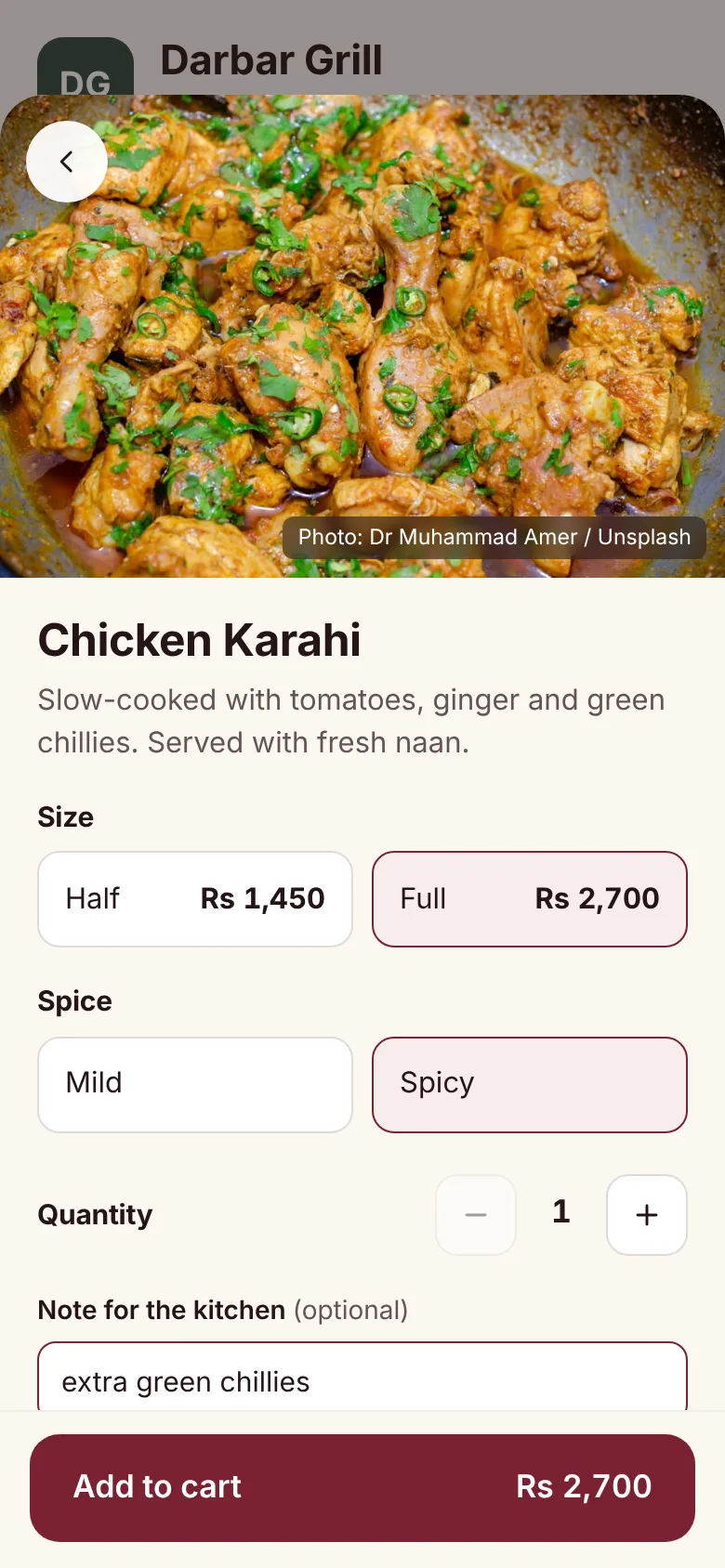
The menu shows sections, photos, prices, sizes and choices such as spice level. The guest adds dishes to the cart, writes a note for the kitchen if needed and chooses how to pay.
3. The order reaches the kitchen in a second
When the guest taps Place order, the order appears on the kitchen display with the table number, each dish on its own line, the options and the note, often with a chime.
4. The kitchen moves it along
Cooks tap Start, Ready and Serve. A timer shows how long each order has waited, so nothing is forgotten on a busy night.

5. The guest sees live updates
The guest's phone shows each stage: received, preparing, ready, served. They can order more at any time from the same page.
6. The owner sees everything
Every order is saved. The owner dashboard shows orders, revenue, prep time and best sellers, compared with the same day last week. Read 8 restaurant KPIs to track daily.
What a good QR ordering system includes
When you compare systems, check for these features:
- No app for guests. The menu must open straight in the browser.
- One code per table or room, so every order carries its location.
- Photos, sizes and choices on each dish, plus a note field.
- A one-tap sold-out switch so guests can't order what you don't have.
- A live kitchen display that works on a tablet, TV or laptop, with sound and timers.
- Live order status for guests on their phone.
- An owner dashboard with daily numbers and best sellers.
- Your own currency and time zone, so prices and daily totals are right in any country.
- Printable QR table cards in your brand. See our table card guide.
- Fast loading on mobile data, not only on Wi-Fi.
- Payment options that fit your guests, such as cash or card at the table.
Benefits of a QR ordering system
Clearer orders and fewer mistakes
The guest chooses the size, options and note themselves, and the kitchen sees exactly that. Nothing is misheard or lost in handwriting. More in how to reduce order mistakes.
Guests order when they are ready
No waiting for a waiter to take the first order or to add a round of drinks. Guests order the moment they decide.
A menu that is always correct
Change a price or switch off a dish once, and every guest sees it straight away. No reprinting.
Staff focus on hospitality
Less walking back and forth with notepads means more time for welcoming guests, serving food and keeping tables clean.
Numbers you can act on
Because every order is digital, you know what sells, when you are busy and how fast the kitchen is.
Who is a QR ordering system for?
- Restaurants of every size, from family restaurants to busy grills.
- Cafés, where guests settle in and order more later.
- Hotels, for in-room dining, poolside and restaurant orders. See QR room service for hotels.
- Food courts and food streets, with codes per seating area.
Saqvia works in any country: see the QR ordering system in Pakistan, the UAE, Saudi Arabia, the UK, the USA and more countries.
QR ordering system vs other ways to order
A QR ordering system is one kind of digital ordering system. Others include tablets fixed to tables, self-order kiosks at the counter and waiters taking orders on handheld devices. QR ordering stands out because guests use their own phones, so you don't buy or maintain devices for every table. If you are weighing it against printed menus, read QR ordering vs paper menus.
How to choose a QR ordering system
Ask these questions before you decide:
- Can I try it myself? A live demo should let you order as a guest and watch the order arrive in the kitchen.
- How fast does the menu load on mobile data?
- How easy is it to change the menu, including photos and sold-out dishes?
- Does it work with my currency, time zone and payment habits?
- What hardware does the kitchen need? Ideally, any screen with a browser.
- Who sets it up? Some providers set up your menu and table cards for you.
- What support do I get if something goes wrong during service?
Setting one up
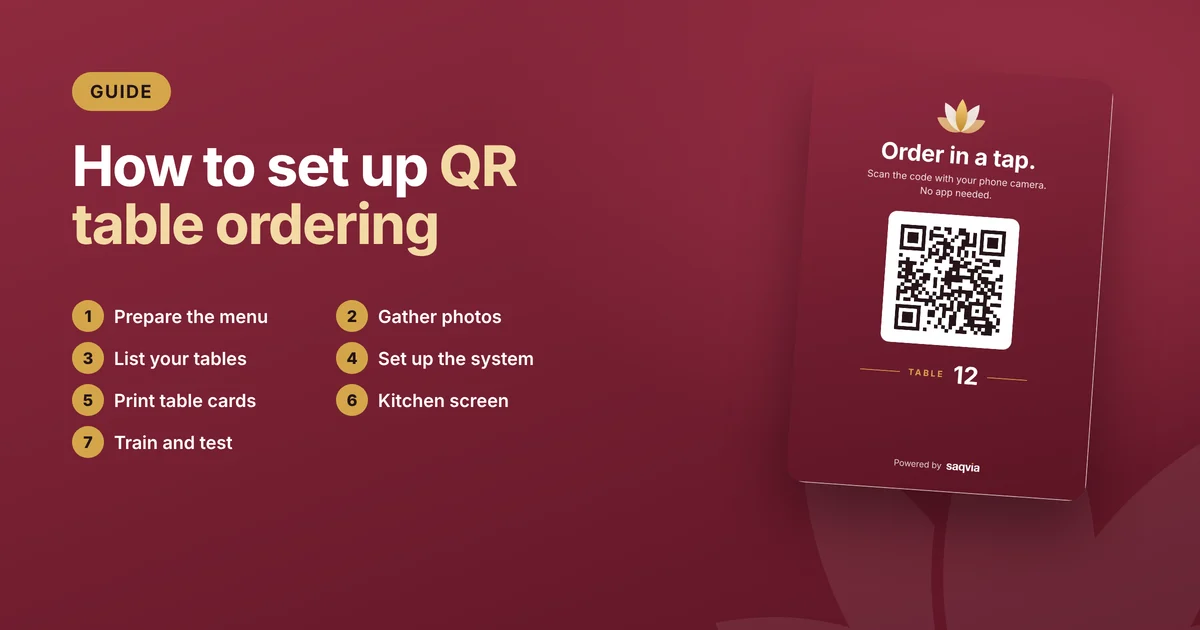
Most of the work is preparing your menu, photos and table list. Our checklist on how to set up QR table ordering walks through all seven steps, from the menu to launch day.
Try the Saqvia QR ordering system
Saqvia is a QR ordering system for restaurants, cafés and hotels in any country, made by Kelbari. You can try it now: follow the demo tutorial, scan the table 12 code with your phone, place an order and watch it arrive on the kitchen display. When you're ready to see it with your own menu, book a free demo.
Frequently asked questions
What is a QR ordering system?
A QR ordering system lets guests scan a QR code on their table, choose dishes on their own phone and send the order straight to the kitchen display with the table number.
Do guests need to download an app?
No. The menu opens in the phone’s web browser after scanning the code, with nothing to install and no account to create.
What is the difference between a QR menu and a QR ordering system?
A QR menu only shows the menu. A QR ordering system adds a cart, sends the order to the kitchen, shows guests live status updates and records every order for the owner.
What hardware does a QR ordering system need?
Guests use their own phones. The kitchen needs one screen with a web browser, such as a tablet, TV or laptop, and each table needs a printed QR card.
Does Saqvia work outside Pakistan?
Yes. Saqvia works for restaurants, cafés and hotels in any country, with each venue’s own currency and time zone, and is set up remotely.