QR room service for hotels: how in-room ordering works
How hotels use QR codes for room service, poolside and restaurant orders: what guests see, how the kitchen gets each order and how to roll it out.
Room service has always relied on a printed folder in the room and a phone call to reception or the kitchen. It works, but calls get missed at busy times, orders are written down by hand, and guests have no idea how long their food will take.
QR room service gives each room its own code. Guests scan it, browse the in-room dining menu on their phone and send the order straight to the kitchen. This guide explains how it works for hotels and how to roll it out.
How QR room service works
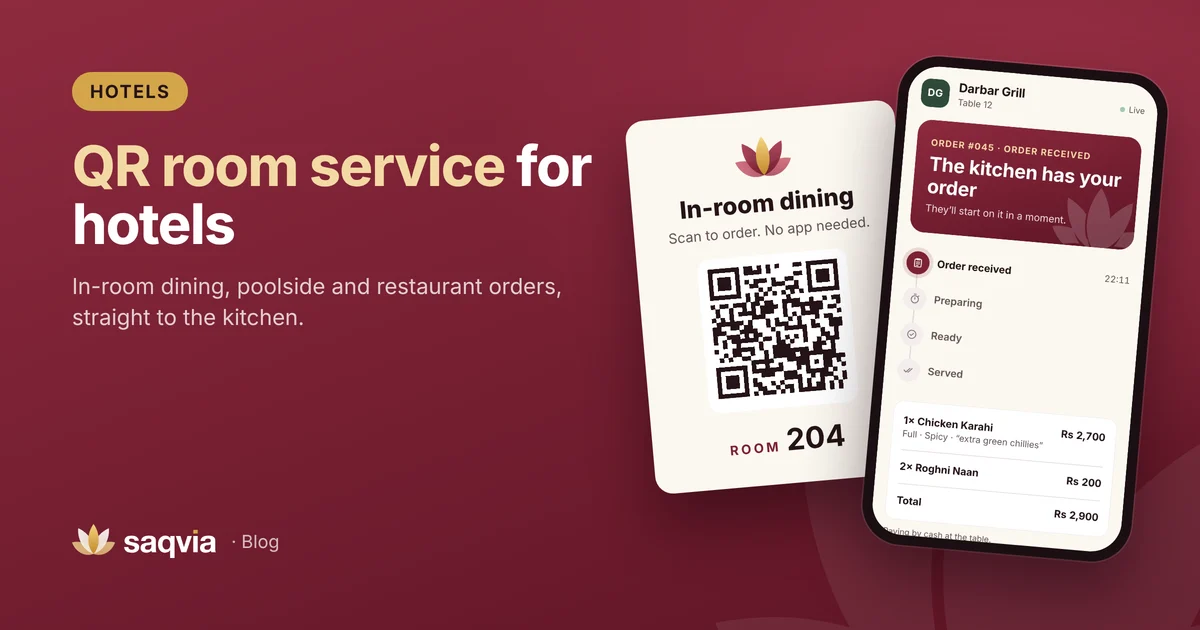
- Each room gets a QR card, placed on the desk, the bedside table or inside the room service folder.
- The guest scans it with the phone camera. The menu opens in the browser, with nothing to download and no account to create.
- They choose dishes, sizes and options, add a note ("no ice", "please knock quietly") and place the order.
- The order appears on the kitchen display with the room number, within a second.
- The guest's phone shows the status: received, preparing, ready, served.
Because each code belongs to one room, the kitchen never has to ask "which room was that?"
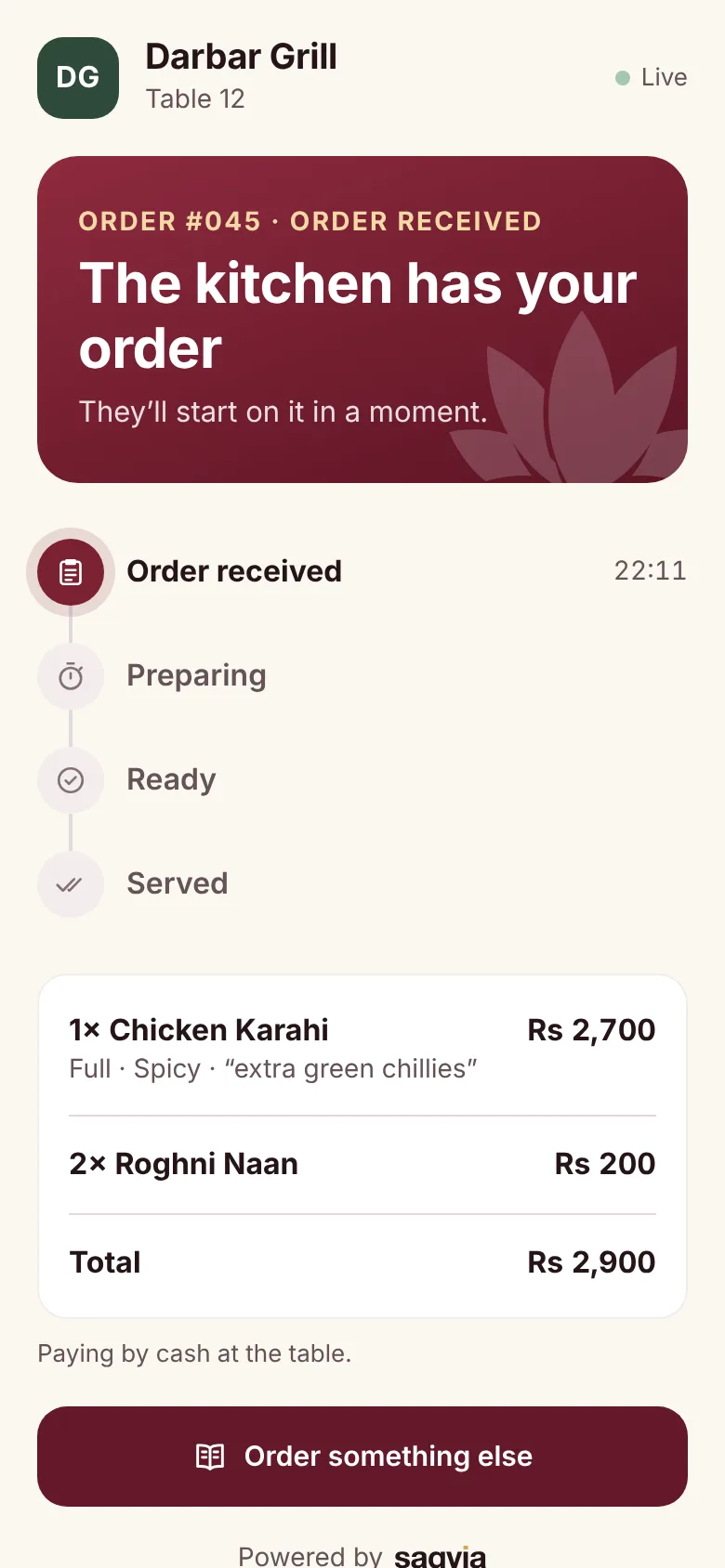
Beyond the room: other places to use QR codes
The same system works anywhere in the hotel where guests eat or drink:
- The hotel restaurant, with a code on each table.
- Poolside and garden areas, with a code on each lounger or table.
- The lobby lounge or café.
- Conference rooms and event spaces, for coffee and lunch orders.
Each location gets its own name, such as Room 204, Pool 3 or Terrace 1, so staff know exactly where to take the order.
Benefits for guests
Order whenever they like
Guests don't have to wait for someone to answer the phone or talk through the menu. They can take their time, see photos and prices, and order when they are ready.
Fewer language problems
International guests can read the menu at their own pace and choose options by tapping, instead of explaining an order on the phone. Phone browsers can also translate a web page if a guest needs it.
They know when food is coming
The live status screen tells guests when the kitchen has started and when the order is on its way. That removes the "is my order coming?" call to reception.
Benefits for the hotel
Fewer missed calls and written orders
At breakfast and late evening, room service calls can pile up. With QR ordering, orders arrive on the kitchen screen without anyone picking up a phone.
Clear orders for the kitchen
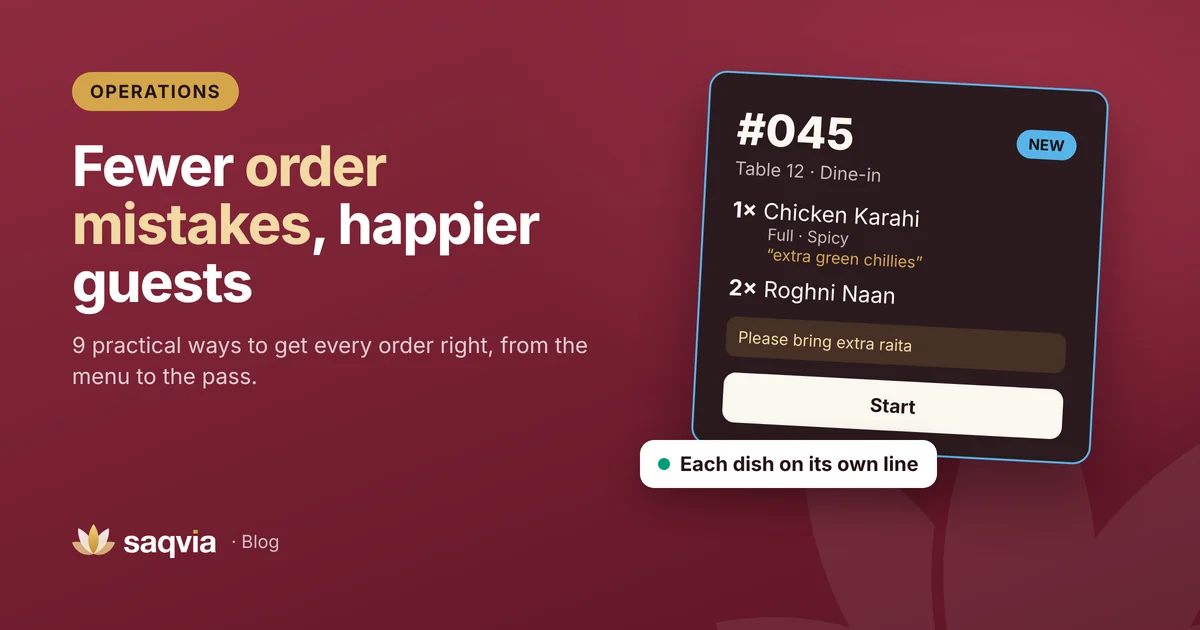
Every item arrives on its own line with sizes, options and notes typed by the guest. See our guide on reducing order mistakes.
Menus that are always current
Change prices, add a seasonal dish or switch off breakfast items after breakfast hours in one place. There's no need to reprint folders for every room.
Useful reports
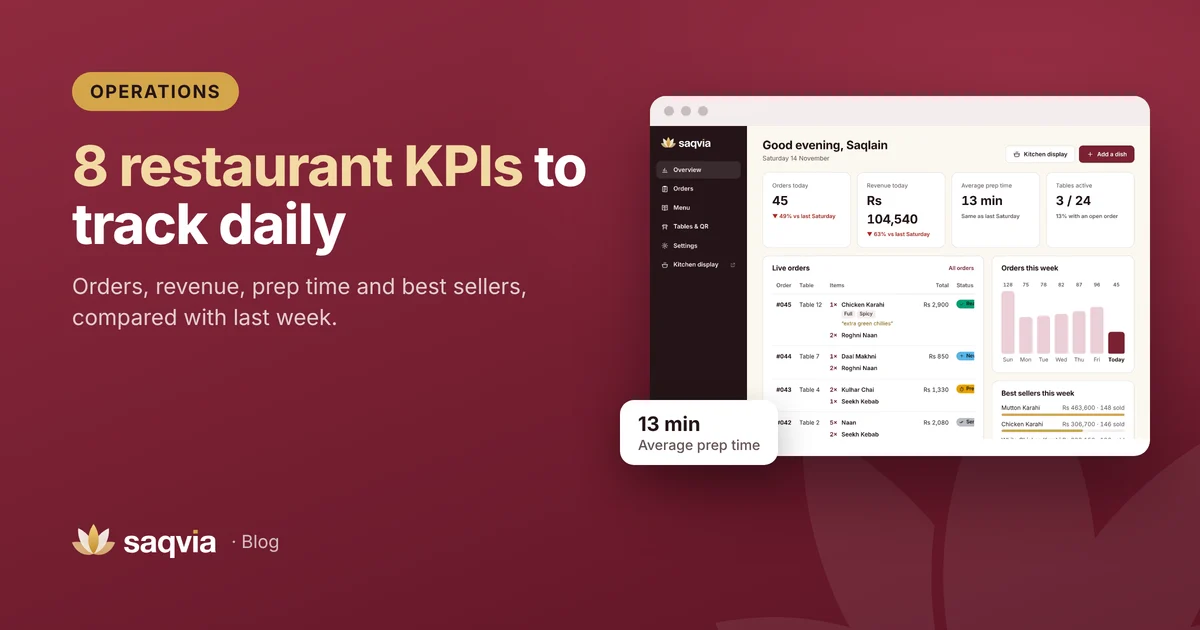
See how many orders come from rooms versus the restaurant, what sells, at which hours, and how long the kitchen takes. Read about the restaurant KPIs worth tracking.
How to roll out QR room service
1. Plan your locations
List every room and every outlet that will take orders. Decide how each will be named on the kitchen screen.
2. Prepare the in-room dining menu
Start from your existing room service menu. Add short descriptions, photos of popular dishes and options such as egg style or bread choice. Mark which dishes are available at which times, and switch dishes off when the kitchen stops serving them.
3. Design and place the cards
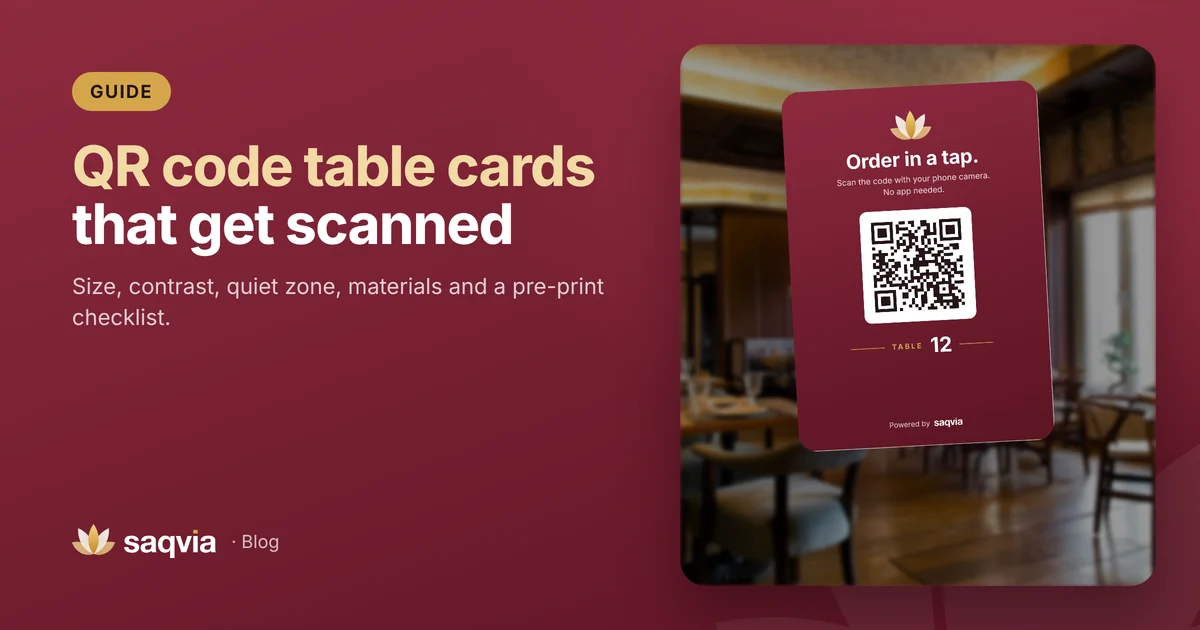
The room card should say clearly what it is for, for example "In-room dining. Scan to order." Place it where guests look for room service: the desk, the bedside or the TV unit. Our QR code table card guide covers size, contrast and materials.
4. Decide how guests pay
Many hotels add room service to the room bill, while others take cash or card at the door. Make the payment method clear on the menu and the card, so there are no surprises when food arrives.
5. Set up the kitchen and service team
Put the kitchen display where the room service team can see it. Agree who marks orders ready and who delivers them, then run test orders from a few rooms before going live.
6. Tell guests about it
Mention it at check-in, in the welcome message and on the room TV if you have one. Keep the phone number on the card for guests who prefer to call.
Using Saqvia in a hotel
Saqvia works the same way for rooms as for tables: add each room or area as a location in Tables & QR, print the cards and open the kitchen display. Each venue sets its own currency and time zone, so it works for hotels in any country.
Try the flow from a guest's point of view in the Saqvia demo tutorial, then book a free demo and tell us about your hotel. We'll tailor the demo to your rooms and outlets.
Frequently asked questions
How does QR room service work?
Each room has its own QR card. The guest scans it, orders from the in-room dining menu on their phone, and the order appears on the kitchen display with the room number.
Can the same system work in the hotel restaurant and by the pool?
Yes. Every room, table or lounger can have its own code and name, such as Room 204 or Pool 3, and all orders go to the kitchen display.
Do hotel guests need to download an app?
No. The menu opens in the phone’s web browser after scanning the code.