Digital ordering system for restaurants: a complete guide
What a digital ordering system is, the main types (QR, tablets, kiosks), the features that matter, running costs and how restaurants get started.
A digital ordering system replaces the notepad, the shouted order and the paper ticket with orders that are typed once, sent instantly and recorded automatically. For restaurants, cafés and hotels it is one of the simplest ways to serve guests faster, make fewer mistakes and finally see clear numbers about the business.
This guide explains what a digital ordering system for restaurants is, the main types, the features that matter, what it costs you to run and how to get started.
What is a digital ordering system?
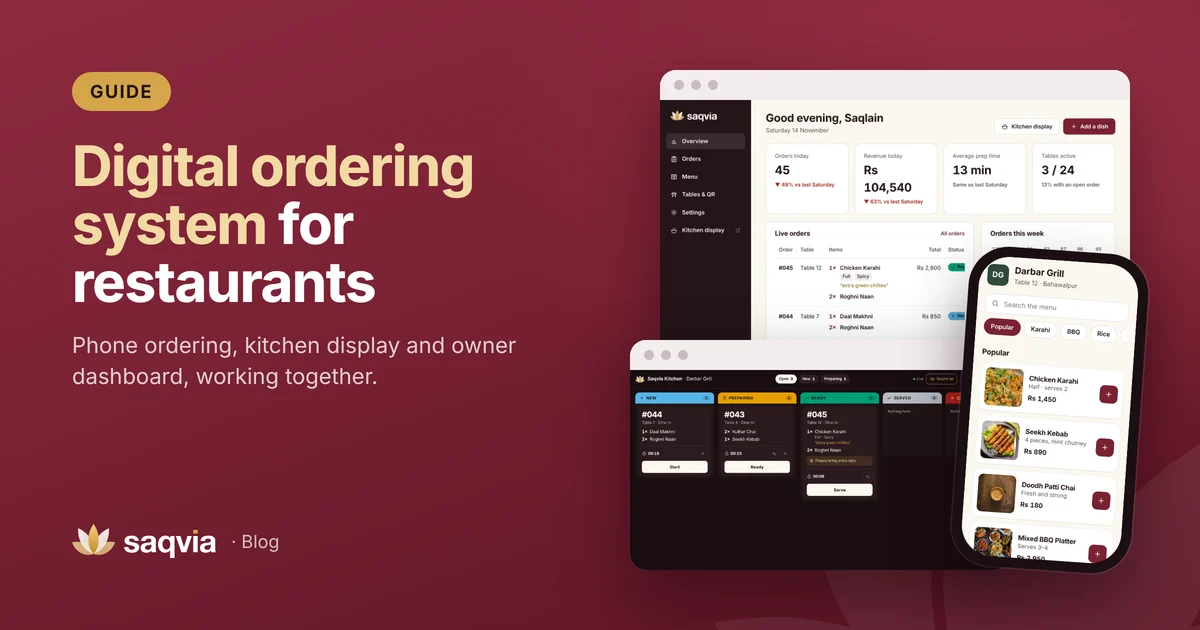
A digital ordering system is software that takes an order from the guest (or a member of staff), sends it to the kitchen electronically and keeps a record of it. A complete system usually has:
- An ordering screen: the guest's phone, a tablet, a kiosk or a waiter's handheld device.
- A kitchen display that shows incoming orders, instead of a printer or handwritten tickets.
- A dashboard for the owner, with orders, revenue and reports.
- A menu manager to change dishes, prices, photos and availability.
The goal is simple: the order is entered once, correctly, and everyone who needs it sees it straight away.
The main types of digital ordering systems
1. QR ordering at the table
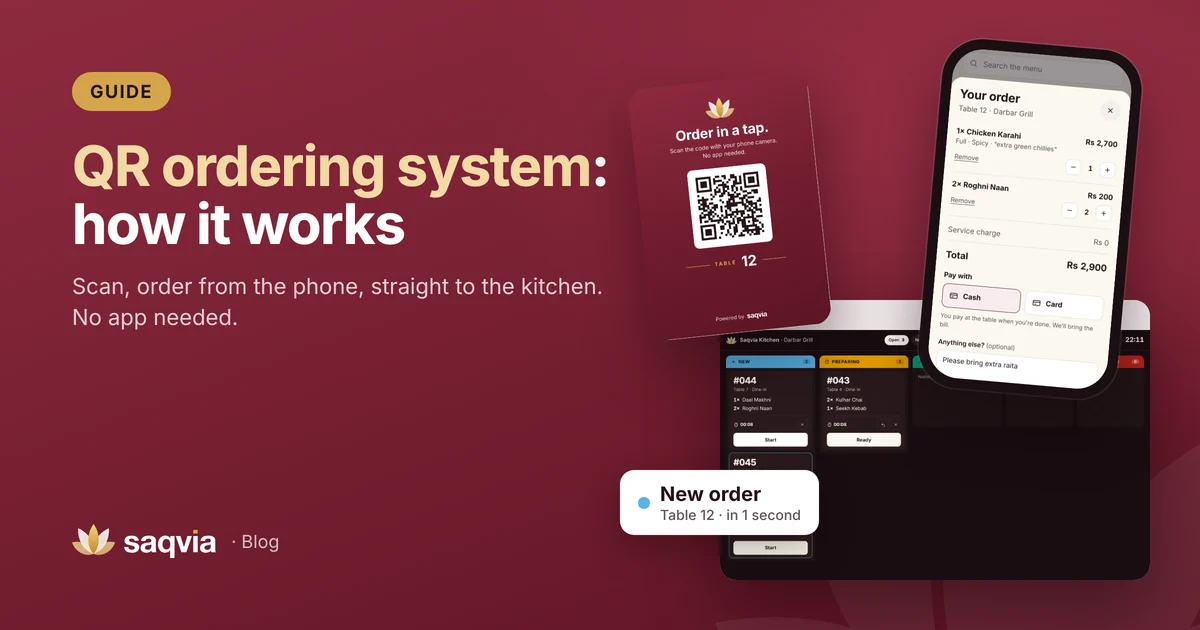
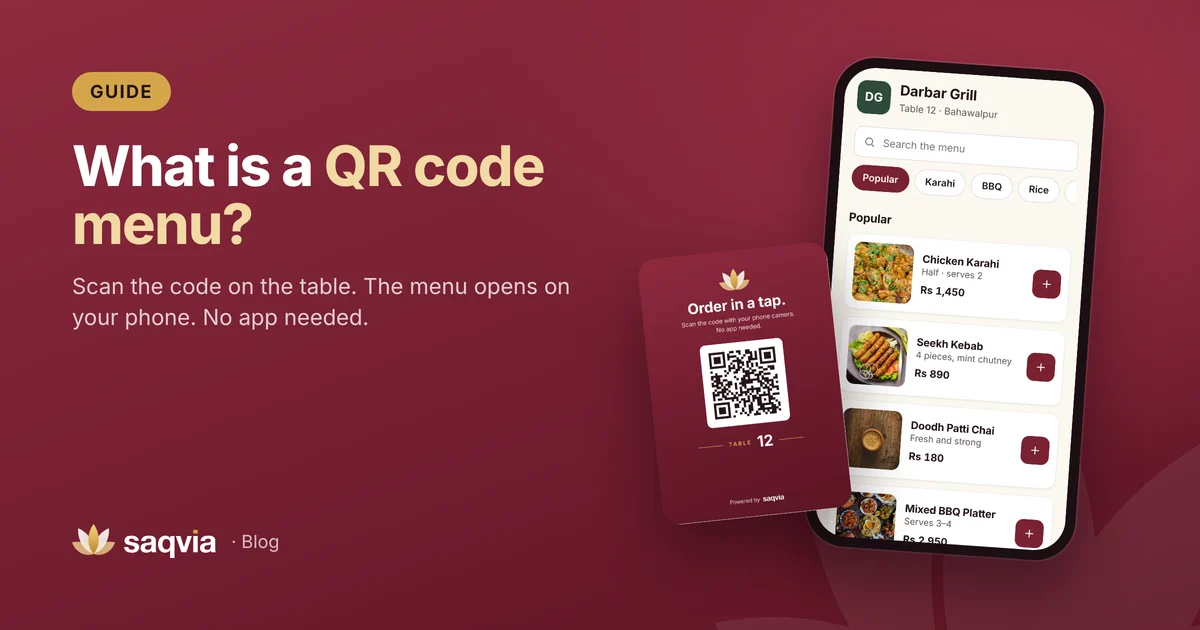
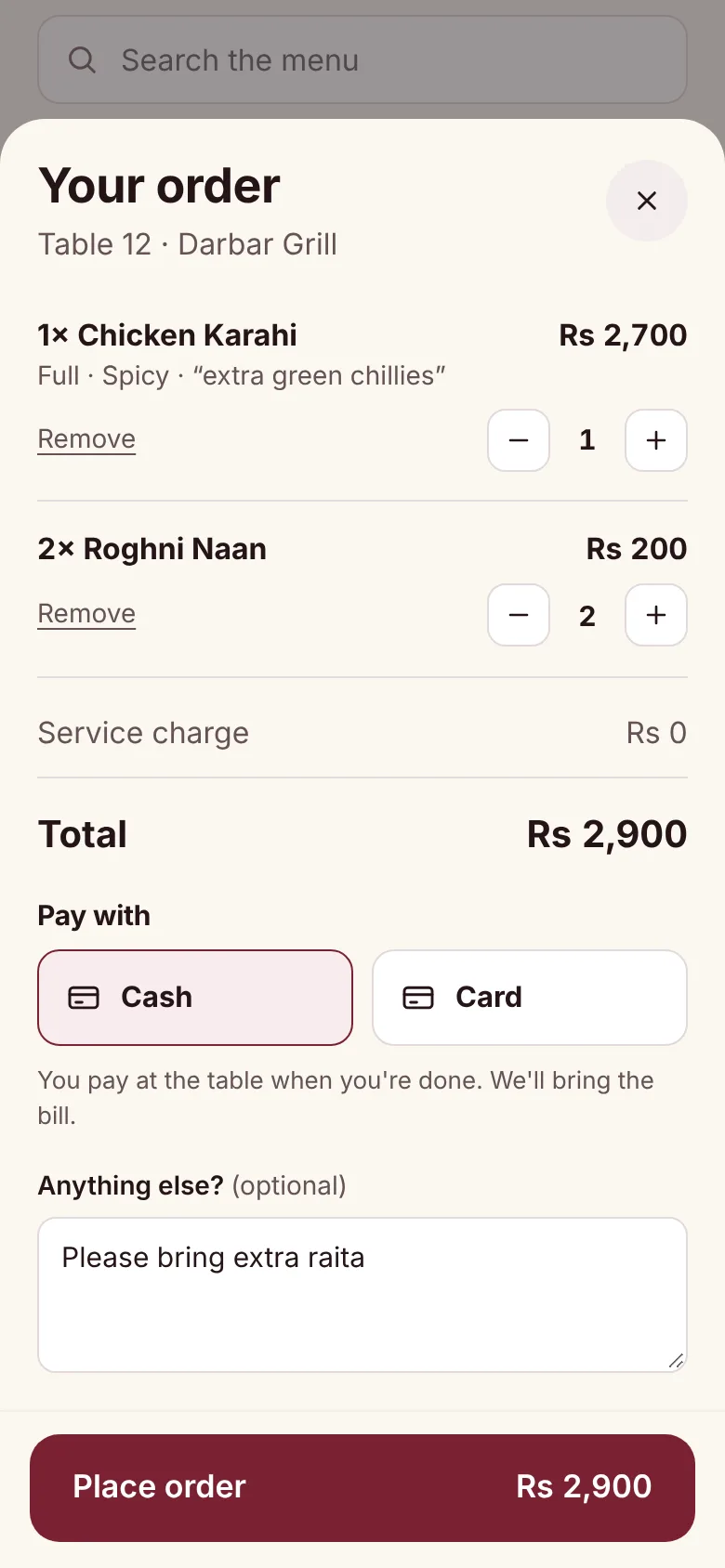
Guests scan a QR code on the table and order from their own phone. Nothing to buy for the dining room, no app to download, and the table number is attached automatically. Read our full guide to the QR ordering system.
2. Tablets on tables
A tablet at each table shows the menu. It works well in some concepts, but you buy, charge, clean and replace a device per table.
3. Self-order kiosks
Large touch screens near the entrance or counter, common in quick-service and fast-food venues. Good for queues; less suited to table service.
4. Waiter handhelds
Staff take orders on a phone or tablet at the table and send them to the kitchen. It removes handwriting but still depends on staff taking every order.
5. Online ordering for takeaway and delivery
Guests order from home through a website or delivery app. It is a different job from dine-in ordering, and many venues use one system for dine-in and another for delivery.
For dine-in restaurants, cafés and hotels, QR ordering usually gives the best balance: guests order themselves, staff stay free to serve and there is no hardware in the dining room.
Why restaurants move to digital ordering
Speed
Orders reach the kitchen in a second, not when a waiter finally gets back to the pass. Guests can add drinks or bread whenever they like.
Accuracy
Typed orders with sizes, options and notes are far clearer than handwriting. Each dish appears on its own line on the kitchen display. See how to reduce order mistakes.

A menu you control
Update prices, add specials and switch off sold-out dishes in one place. Every guest sees the change straight away.
Better guest experience
Guests browse photos, choose at their own pace and see when their food is being prepared and when it is on its way.
Data for better decisions
Every order is recorded with its time, items and value, so you can see best sellers, busy hours, average order value and prep time. Read 8 restaurant KPIs every owner should track.

Features to look for
- Works in any web browser, on phones, tablets and computers.
- QR codes per table or room, with printable table cards.
- Dish photos, sizes, choices and notes.
- Sold-out switch that updates the menu instantly.
- Live kitchen display with sound, timers and clear statuses.
- Live order status for guests.
- Owner dashboard with comparisons to last week and best sellers.
- Multi-currency and time zone support if you are outside the provider's home country.
- Fast on mobile data, so guests on weak connections can still order.
- Simple setup and real support, ideally with your menu and table cards prepared for you.
What does it cost to run?
Costs depend on the provider and on your venue, so compare your own numbers rather than general claims:
- Software: a subscription or licence from the provider.
- Hardware: for QR ordering, usually just one screen for the kitchen, which may be a tablet or TV you already own. Table tablets and kiosks cost much more.
- Printing: one QR table card per table.
- Time: setting up the menu and training staff, often a short session.
Against that, count what you save: reprinting menus, remade dishes and staff time spent writing and carrying orders. Saqvia's pricing depends on your venue's size and needs; book a free demo for a quote.
How to get started
- Choose your type of ordering: for table service, QR ordering is usually the easiest start.
- Prepare your menu: sections, dishes, prices, sizes, choices and photos.
- List your tables or rooms.
- Set up the system and print table cards.
- Put a screen in the kitchen and agree who taps Start, Ready and Serve.
- Test with staff, then launch on a quieter day.
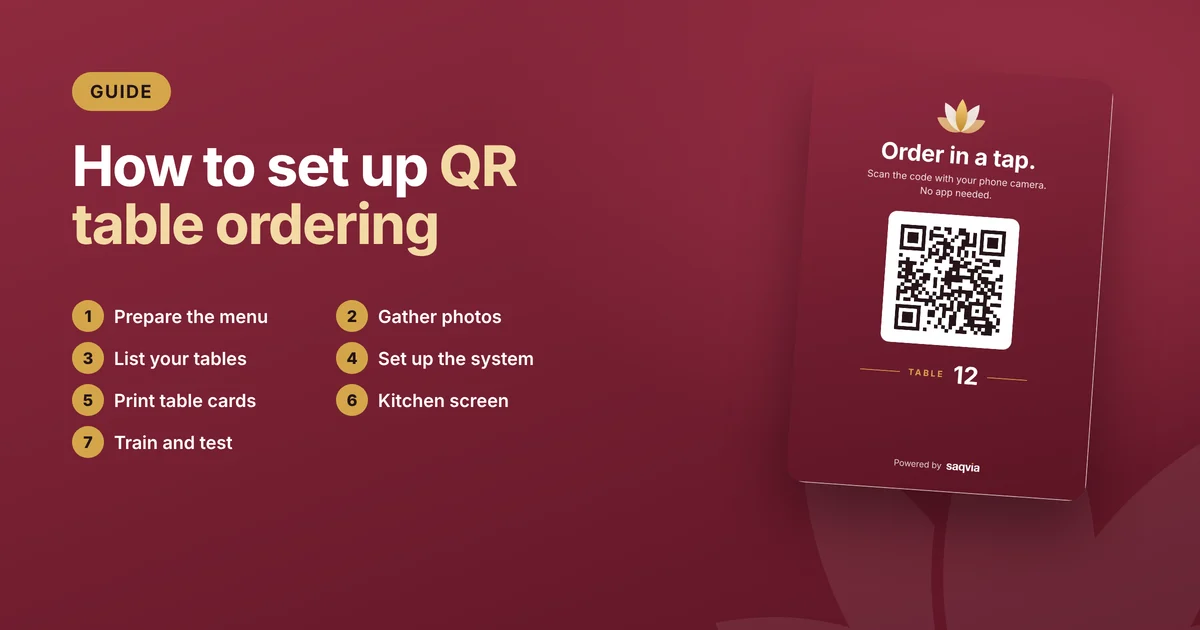
Our step-by-step guide on how to set up QR table ordering covers each step in detail.
Saqvia: a digital ordering system for any venue, anywhere
Saqvia is a digital and QR ordering system for restaurants, cafés and hotels worldwide, made by Kelbari. Guests scan and order from their phone, the kitchen gets each order on a live display, and owners see their numbers on a simple dashboard. Each venue uses its own currency and time zone, and we set everything up remotely, including printed QR table cards.
See it working in five minutes with the Saqvia demo tutorial, or book a free demo with your own menu.
Frequently asked questions
What is a digital ordering system for restaurants?
Software that takes orders from guests or staff on a phone, tablet or kiosk, sends them to a kitchen display and records them for reports.
Which type of digital ordering is best for dine-in?
For table service, QR ordering is usually the easiest: guests use their own phones, there are no devices to buy for the dining room, and each order carries its table number.
How much does a digital ordering system cost?
It depends on the provider and your venue. Compare the software fee, any hardware, printing and setup time against savings on reprinting, remade dishes and staff time. Saqvia gives a quote after a free demo.
Can a digital ordering system work with cash payments?
Yes. With Saqvia, guests choose cash or card at the table and staff bring the bill as usual.