QR code table cards: design and printing guide
Design QR code table cards guests actually scan: code size, quiet zone, contrast, wording, materials, placement and a pre-print checklist.
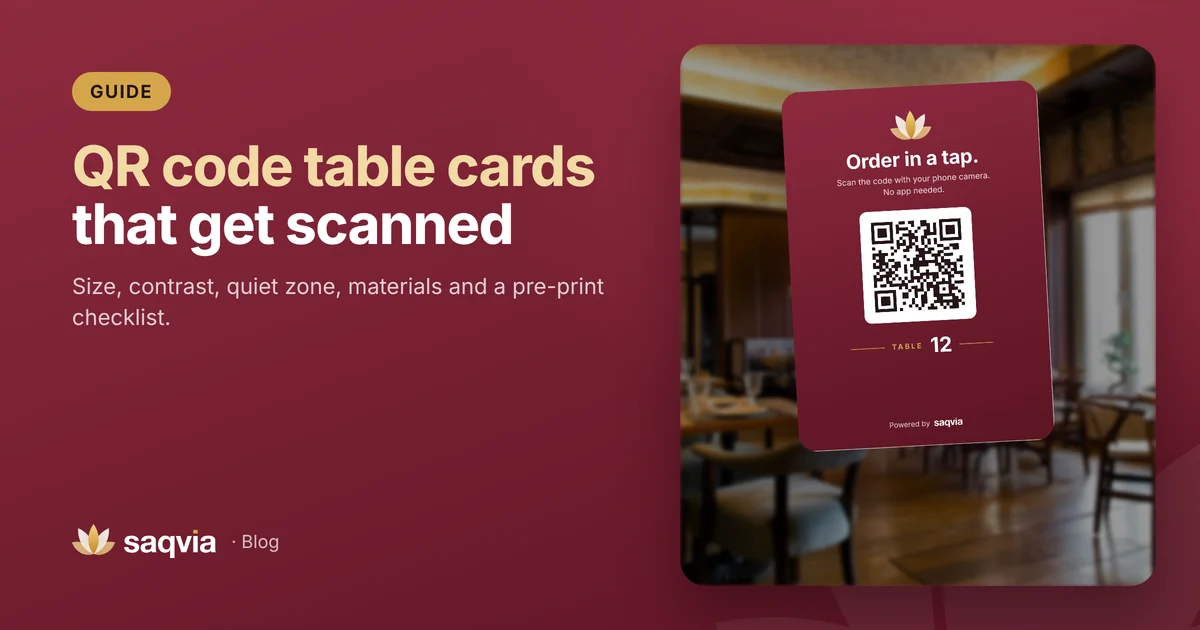
The QR code on your table is the front door to your digital menu. If guests don't notice it, can't scan it or aren't sure what it does, the best menu in the world won't get used. A well-designed QR code table card is simple, clear and sturdy.
This guide covers what to put on the card, how big the code should be, contrast and materials, where to place it and a checklist before you print.
What to put on a QR table card
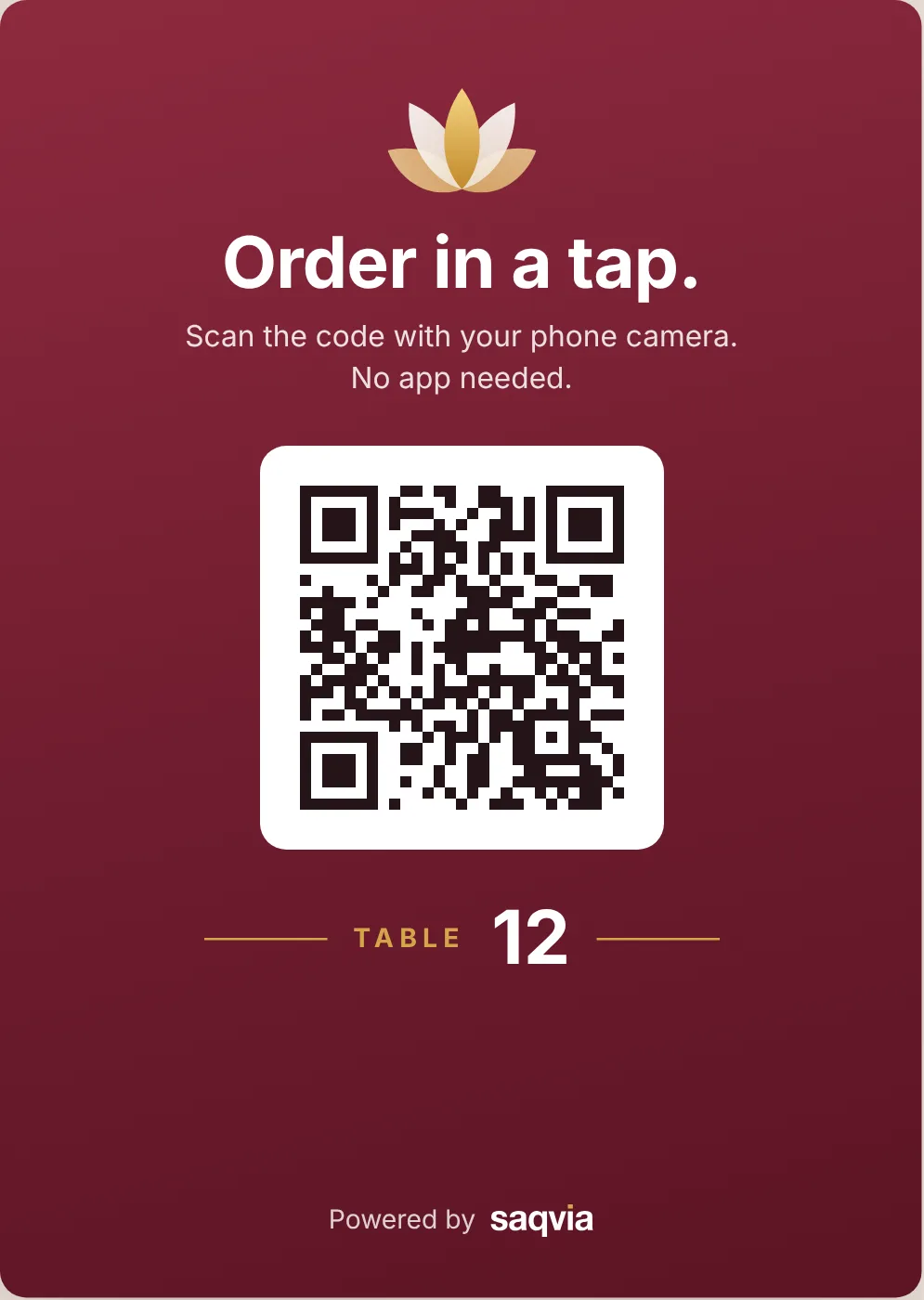
Keep it to four things:
- A clear instruction. "Scan to see the menu and order" or "Order in a tap. Scan the code with your phone camera." Tell guests what will happen.
- The QR code, large and on a light background.
- The table number or name, big enough to read from across the room. Staff use it too.
- Your brand: your logo or name and colours, so guests know the code belongs to you.
Optional extras: "No app needed", your Wi-Fi name, or a short line like "Prefer paper? Just ask."
How big should the QR code be?
Size depends on scanning distance. A common rule of thumb is that a code can be scanned from about ten times its width. A guest sitting at a table usually scans from 20 to 40 cm away, so:
- 3 cm wide is the practical minimum.
- 4 to 6 cm is comfortable for most table cards.
- Larger for counters, walls or posters seen from further away.
When in doubt, go bigger. Nobody complains that a code was too easy to scan.
Keep the quiet zone
A QR code needs a clear border of empty space around it, called the quiet zone. The QR standard calls for a margin at least four "modules" (the small squares) wide. Don't let text, borders or patterns touch the code, and don't place it on a busy background.
Contrast and colour
- Dark code on a light background scans most reliably. Black or a very dark brand colour on white works best.
- Avoid light-on-dark codes unless you have tested them on several phones; some readers struggle with them.
- If your card has a coloured or photo background, put the code on a white panel.
- Avoid shiny finishes right over the code; glare from overhead lights can stop a scan. Matte or soft-touch lamination is safer.
Use one code per table
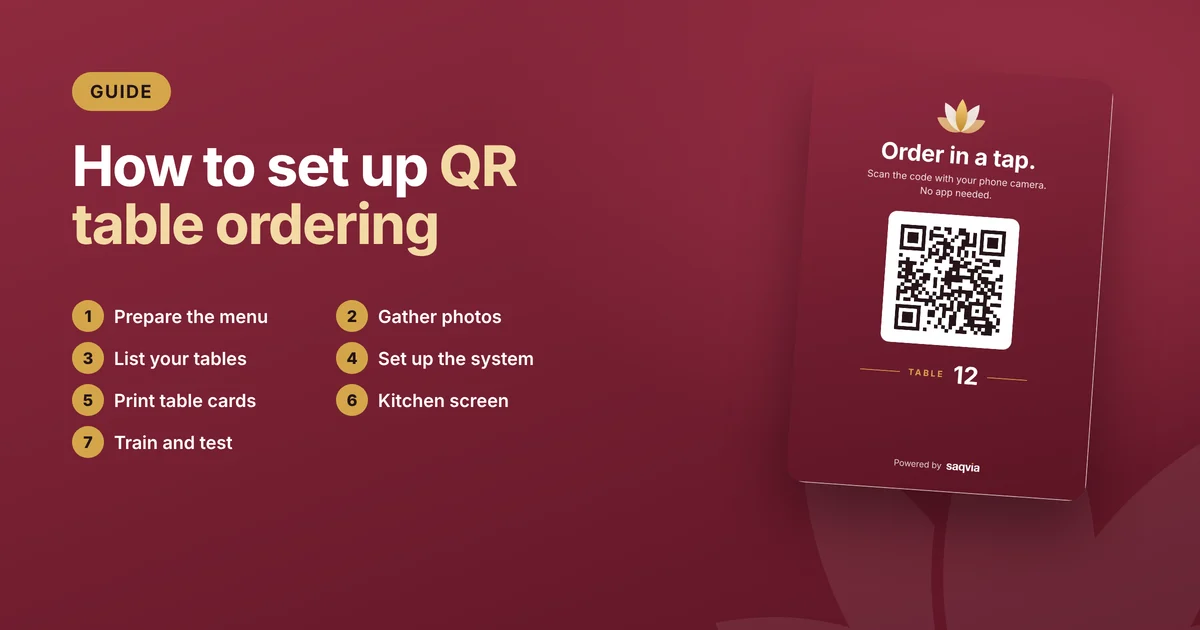
Give every table its own code. That way each order arrives with the right table number, and you can see which tables are active. Print the table number on the card too, so staff can match card and table at a glance. Read more in how to set up QR table ordering.
Materials that last
Table cards get splashed, wiped and knocked over. Good options:
- Laminated card in an acrylic or wooden stand: cheap, easy to replace.
- Acrylic table tents with a printed insert: tidy and easy to clean.
- Stickers on the table under a clear protective layer: they can't be moved or lost, but are harder to replace.
Whatever you choose, make sure the code stays flat; a curved or folded code is harder to scan.
Where to place the card
- In the centre of the table or beside the condiments, where every seat can see it.
- Facing the guests, not the aisle.
- Not under glasses, menus or napkin holders.
- For hotels: on the desk or bedside table, or inside the room service folder. See QR room service for hotels.
Test before you print hundreds
- Print one card at the real size.
- Scan it with several phones, including an older Android phone and an iPhone.
- Scan it from a seated position, in the dimmest corner of your dining room.
- Check that the right table number appears on the menu.
- Only then print the full set.
Pre-print checklist
- Clear instruction ("Scan to order") on the card.
- QR code at least 3 cm wide, ideally 4 to 6 cm.
- Clear quiet zone around the code.
- Dark code on a light background.
- Table number large and easy to read.
- Matte finish over the code.
- Tested on several phones in low light.
- One unique code per table.
Ready-made table cards with Saqvia
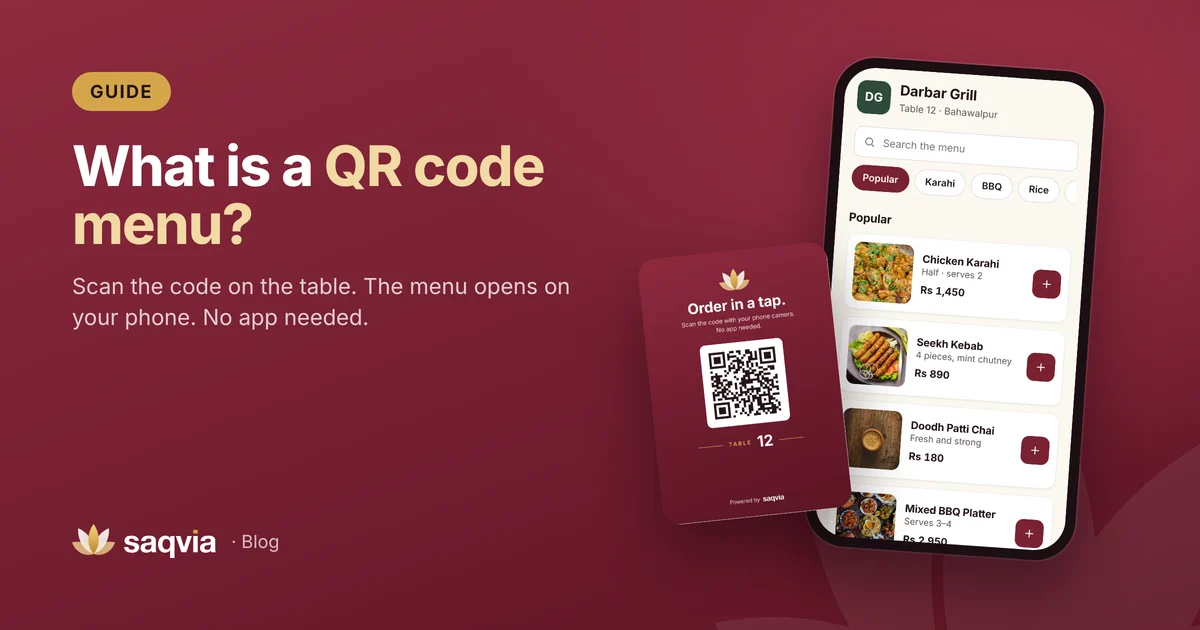
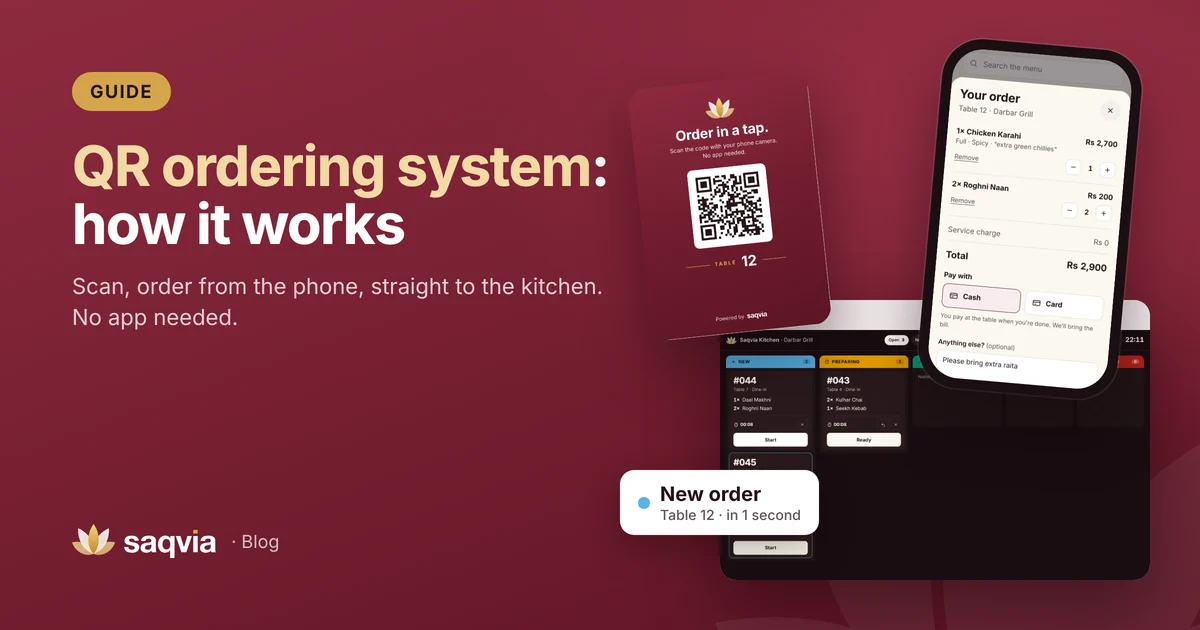
Saqvia creates a QR code for every table automatically and gives you print-ready table cards with the code, the table number and your branding. Print one card or all of them at once from Tables & QR. You can scan a real one, the card for table 12 of our demo, in the Saqvia demo tutorial.
Want cards for your venue? Book a free demo and we'll set up your menu and table cards for you. New to QR menus? Start with what a QR code menu is.
Frequently asked questions
How big should a QR code be on a table card?
At least 3 cm wide, and 4 to 6 cm is comfortable for most table cards. A common rule of thumb is that a code scans from about ten times its width.
What is the quiet zone of a QR code?
The empty margin around the code. The QR standard calls for at least four modules (the small squares) of clear space on every side.
What colours work best for QR codes?
A dark code on a light background scans most reliably. Put the code on a white panel if the card has a coloured or photo background.