What is a QR code menu? A simple guide for restaurants
A QR code menu opens your menu on a guest’s phone when they scan the table code. How it works, the 3 types, pros and cons, and how to start.
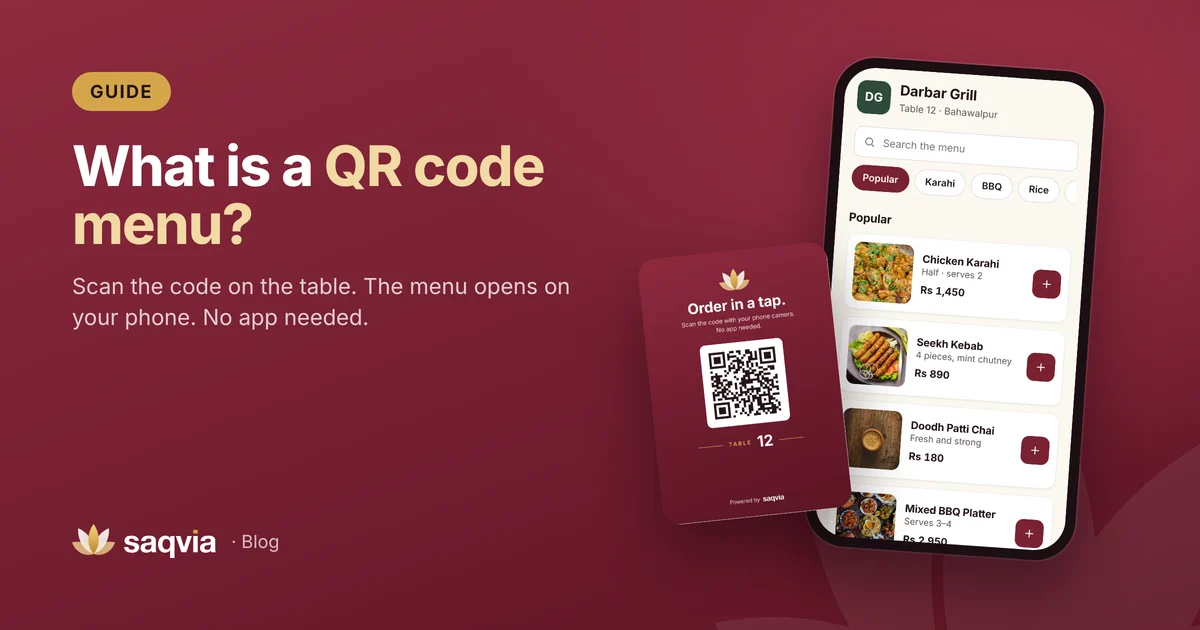
A QR code menu is a small printed code on the table that opens your restaurant's menu on a guest's phone. The guest points the camera at the code, taps the link that appears, and the menu loads in the web browser. There is nothing to download and nothing to sign up for.
That simple idea has grown into something bigger. Many QR code menus now let guests order straight from the table, send the order to the kitchen and follow its progress. This guide explains how QR code menus work, the different types, what they do well, where they fall short and how to start.
How a QR code menu works
A QR code ("quick response" code) is a square barcode that stores a short piece of text, usually a web address. Modern phone cameras recognise QR codes on their own, so a guest only has to open the camera and point it at the code.
Here is what happens at the table:
- The guest sits down and sees a table card with a QR code.
- They scan it with the phone camera and tap the link.
- The venue's menu opens in the browser, with sections, photos and prices.
- Depending on the type of menu, they either read it and order from a waiter, or order on the phone themselves.
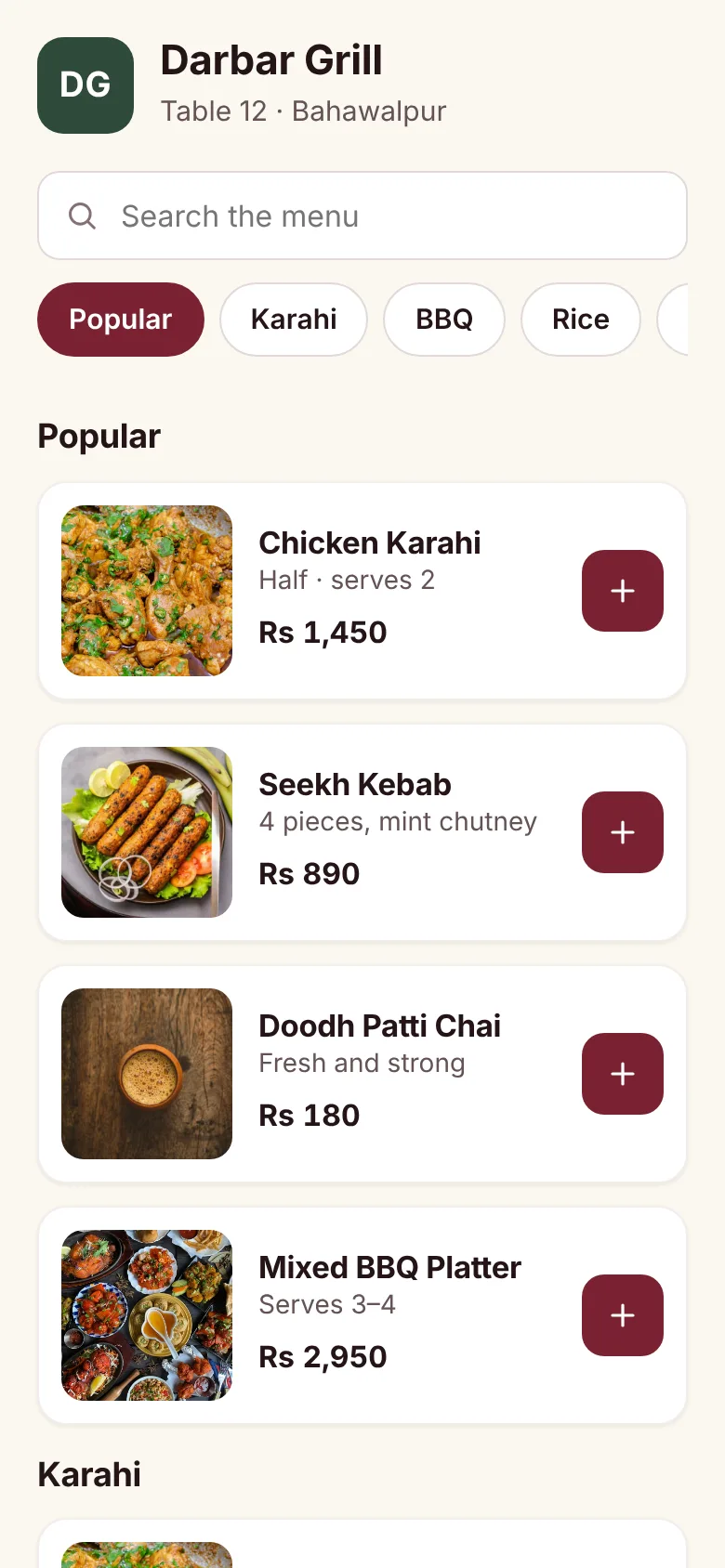
Because the code is just a link, the menu behind it can change at any time. Update a price or mark a dish as sold out, and every guest sees the change the next time the page loads, without reprinting anything.
The three types of QR code menu
Not every QR menu does the same job. It helps to know which one you are looking at.
1. The PDF menu
The simplest version links to a PDF or a photo of the paper menu. It is quick to set up, but it is hard to read on a small screen: guests pinch and zoom, and the file can be slow to load on mobile data. Every change means making a new file.
2. The digital (view-only) menu
A digital menu is a proper web page built for phones. Dishes are listed in sections with photos, descriptions and prices, and guests can search. Guests still order from a waiter, but the menu is much easier to use and easy to update.
3. The QR ordering menu
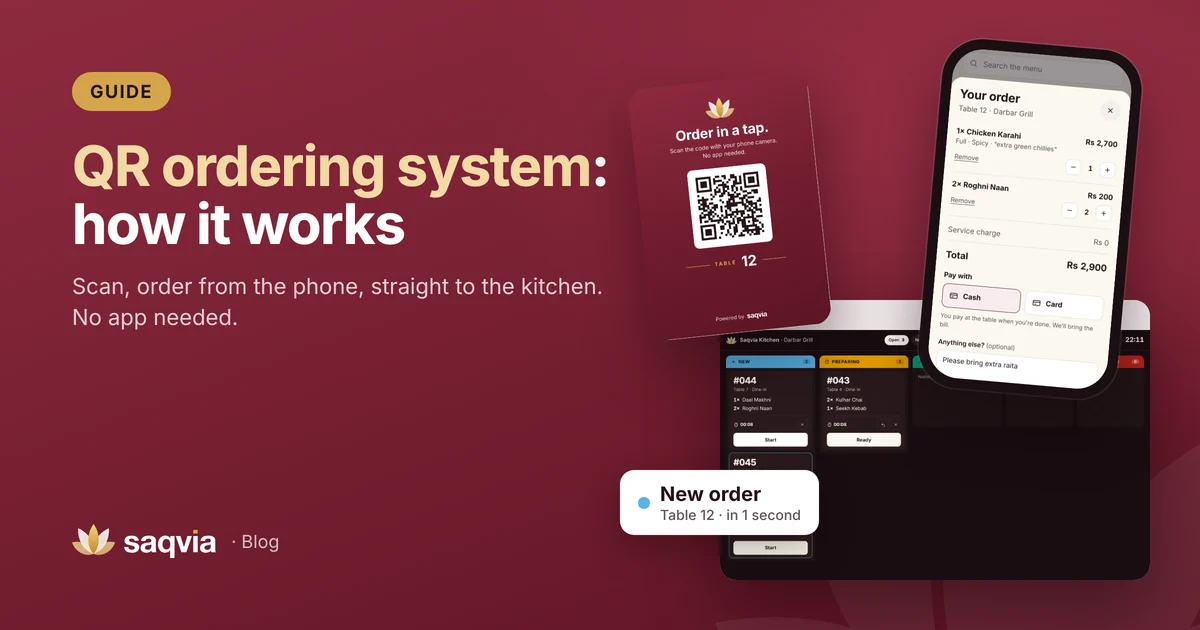
A QR ordering menu adds a cart and a Place order button. The guest chooses dishes, sizes and options, adds a note and sends the order. It arrives on a screen in the kitchen with the table number, and the guest's phone shows the status as the order moves from received to preparing, ready and served. This is how Saqvia works; our guide to the QR ordering system explains it step by step.
Why restaurants use QR code menus
Menus that are always up to date
Prices change, dishes run out and specials come and go. With a QR menu you change it once and it is correct everywhere. No more crossed-out prices or "sorry, we don't have that today".
Better for guests who like to take their time
Guests can browse at their own pace, look at photos, read what is in a dish and check prices without waving for a waiter. Groups can pass one phone around, or each scan the code on their own phone.
Orders that are clear for the kitchen
With QR ordering, the guest's choices go to the kitchen exactly as they were chosen: the size, the spice level and the note, on its own line. There is no handwriting to read and nothing is lost between the table and the pass. We go deeper into this in our guide on how to reduce order mistakes.
Staff spend time where it matters
When guests can read the menu and order themselves, staff spend less time walking back and forth with notepads and more time serving food, clearing tables and looking after guests.
Where QR code menus fall short
A fair guide should say this too:
- Not every guest wants to use a phone. Some prefer a paper menu or a conversation with the waiter. Keep a few printed menus for them.
- A weak connection hurts. A heavy menu on slow mobile data is frustrating. Choose a menu that loads fast and keep photos well compressed.
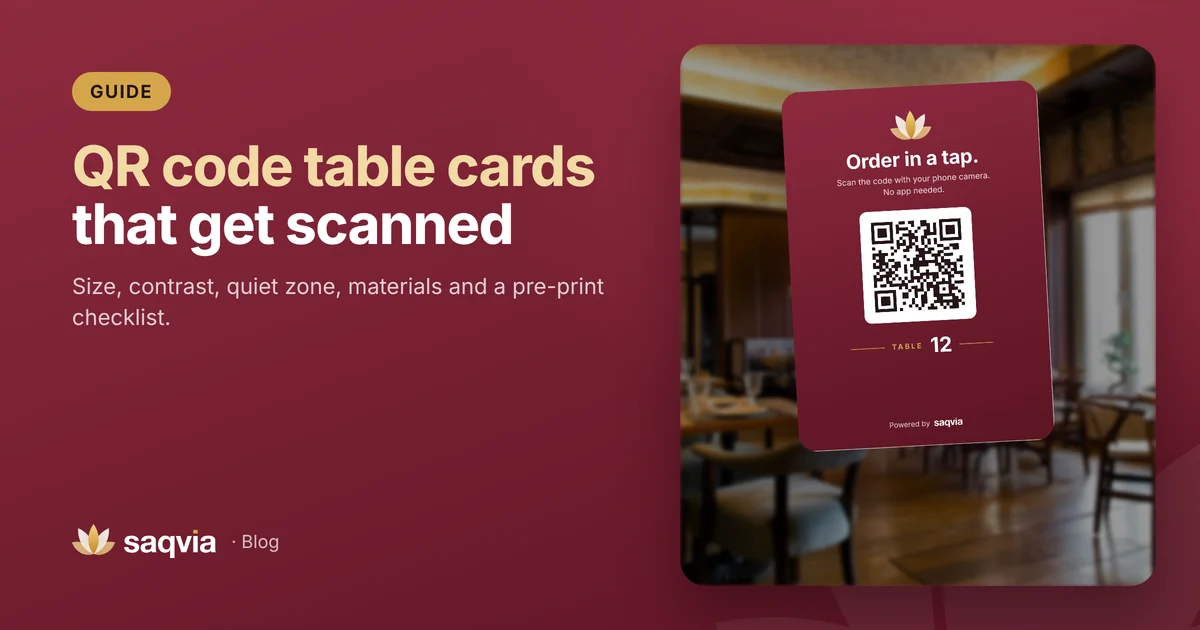
- A bad table card gets ignored. If the code is tiny, faded or hidden under the salt shaker, guests won't scan it. Our QR code table card guide covers size, contrast and placement.
- It still needs people. QR menus support good service; they don't replace it. Someone still greets guests, answers questions and brings the food.
For a side-by-side look at both options, read QR ordering vs paper menus.
What to look for in a QR menu system
If you are choosing a system, these points matter most:
- No app for guests. The menu should open in the browser straight after scanning.
- Fast on mobile data. Test it on a phone, away from your Wi-Fi.
- One code per table, so every order arrives with its table number.
- Easy menu editing, including photos, sizes, choices and a one-tap sold out switch.
- A live kitchen screen if you want guests to order themselves. See our kitchen display system guide.
- Your currency and time zone, so prices and daily reports are right wherever you are.
- Printable table cards that match your brand.
How to start with a QR code menu
Getting started is mostly about preparing your menu well:
- Write down every dish with its sections, prices, sizes and options.
- Take or choose clear photos of your main dishes.
- Decide how many tables (or rooms) need a code.
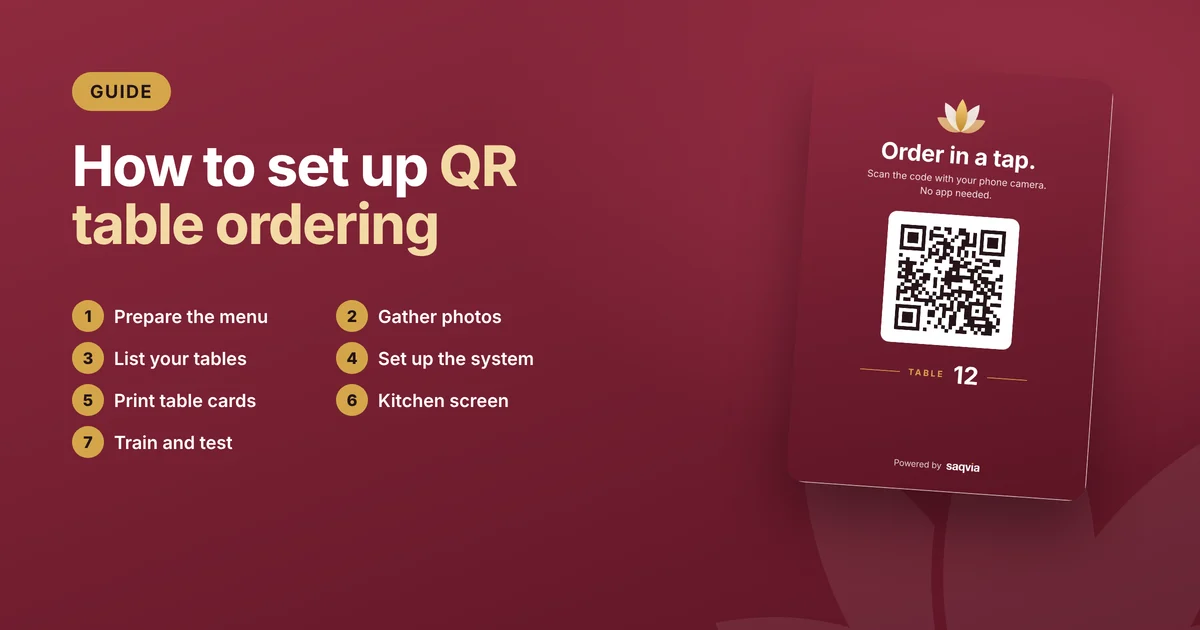
- Set up the menu and print one QR card per table.
- Test a few orders with your staff before guests arrive.
Our step-by-step guide on how to set up QR table ordering walks through each of these in detail.
Try a QR ordering menu now
The quickest way to understand a QR menu is to use one. Open the Saqvia demo tutorial, scan the table 12 code with your phone and place an order, then watch it arrive on the kitchen display. When you are ready to see it with your own menu, book a free demo.
Frequently asked questions
Do guests need an app to use a QR code menu?
No. Guests open the phone camera, point it at the code and tap the link. The menu opens in the web browser, with nothing to download.
What is the difference between a QR menu and QR ordering?
A QR menu only shows the menu, and guests still order from a waiter. QR ordering adds a cart, so guests send the order from their phone straight to the kitchen.
Can I change my QR menu without reprinting the code?
Yes. The code is a link to your menu, so prices, dishes and sold-out items can change at any time and the same printed code keeps working.
Should I still keep paper menus?
Keeping a few printed menus is a good idea for guests who prefer paper or don’t have a phone with them.