QR ordering system in Pakistan: a guide for restaurants and cafés
A practical guide to QR ordering systems and QR menus for restaurants and cafés in Pakistan: cash, mobile data, setup, in every city.
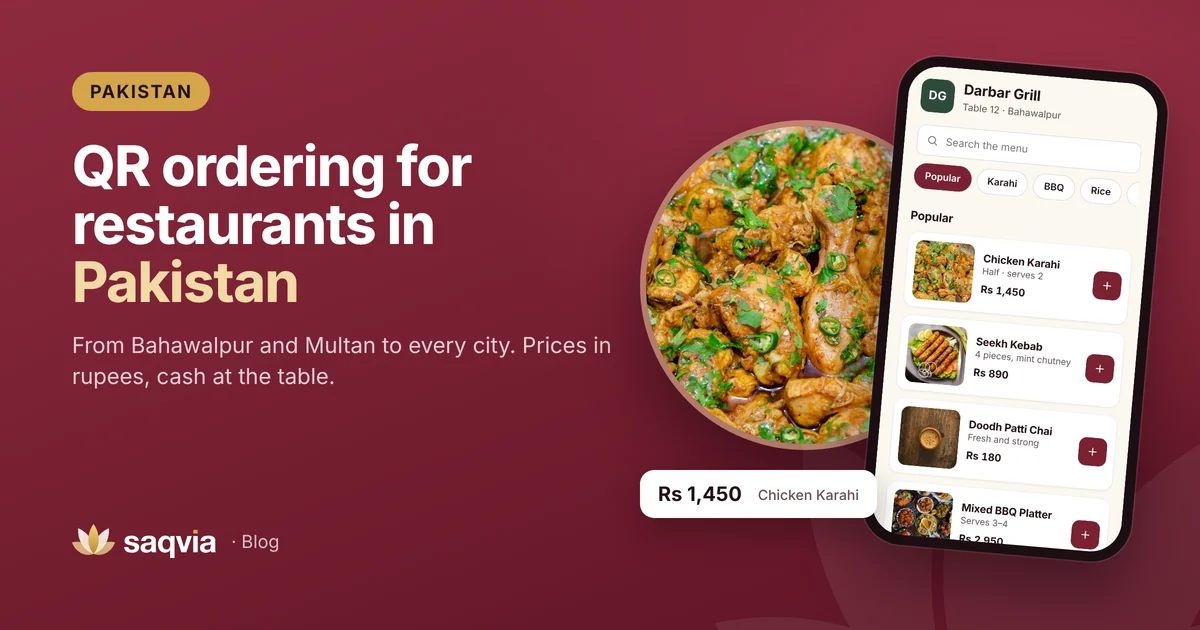
Restaurants and cafés across Pakistan are trying QR menus, from family restaurants and dhabas with a modern twist to cafés, food streets and hotels. Owners want the same things everywhere: busy evenings that run smoothly, orders that reach the kitchen correctly and a menu that is easy to keep up to date.
This guide covers the QR ordering system in Pakistan, including QR menus and table ordering for restaurants and cafés: how they work, what local owners usually ask about, and how to start. Saqvia works for venues in every city, from Bahawalpur and Multan to Lahore and Karachi, and in every other country too.
What QR ordering looks like at a Pakistani restaurant
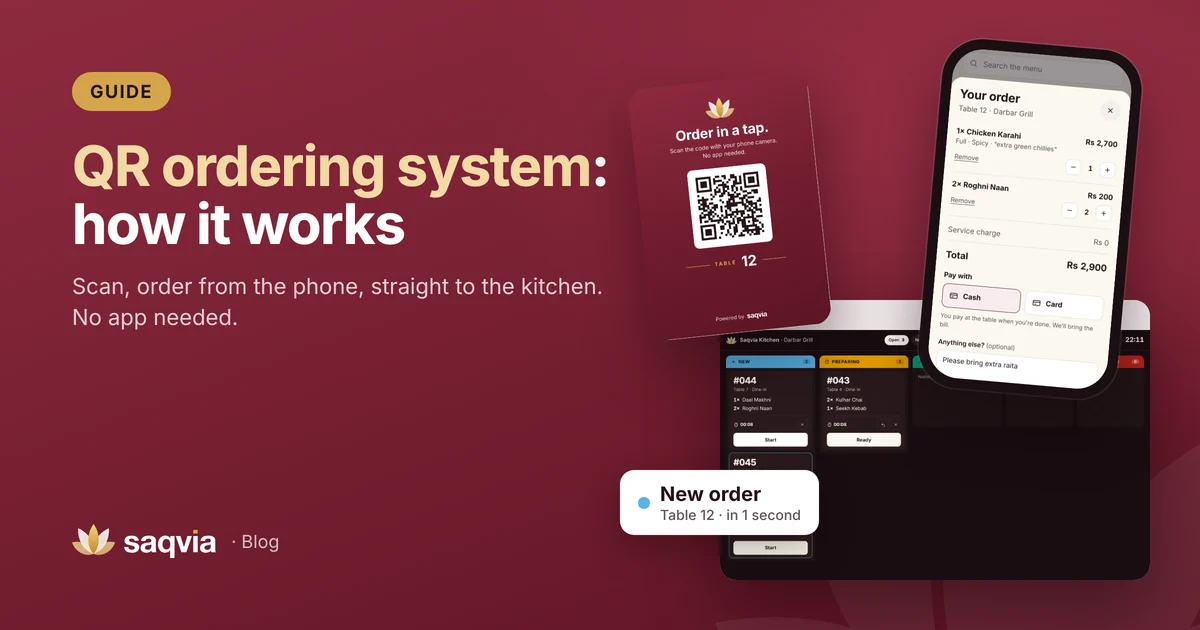
A QR ordering system works the same way in Pakistan as anywhere else. Here is a typical evening.
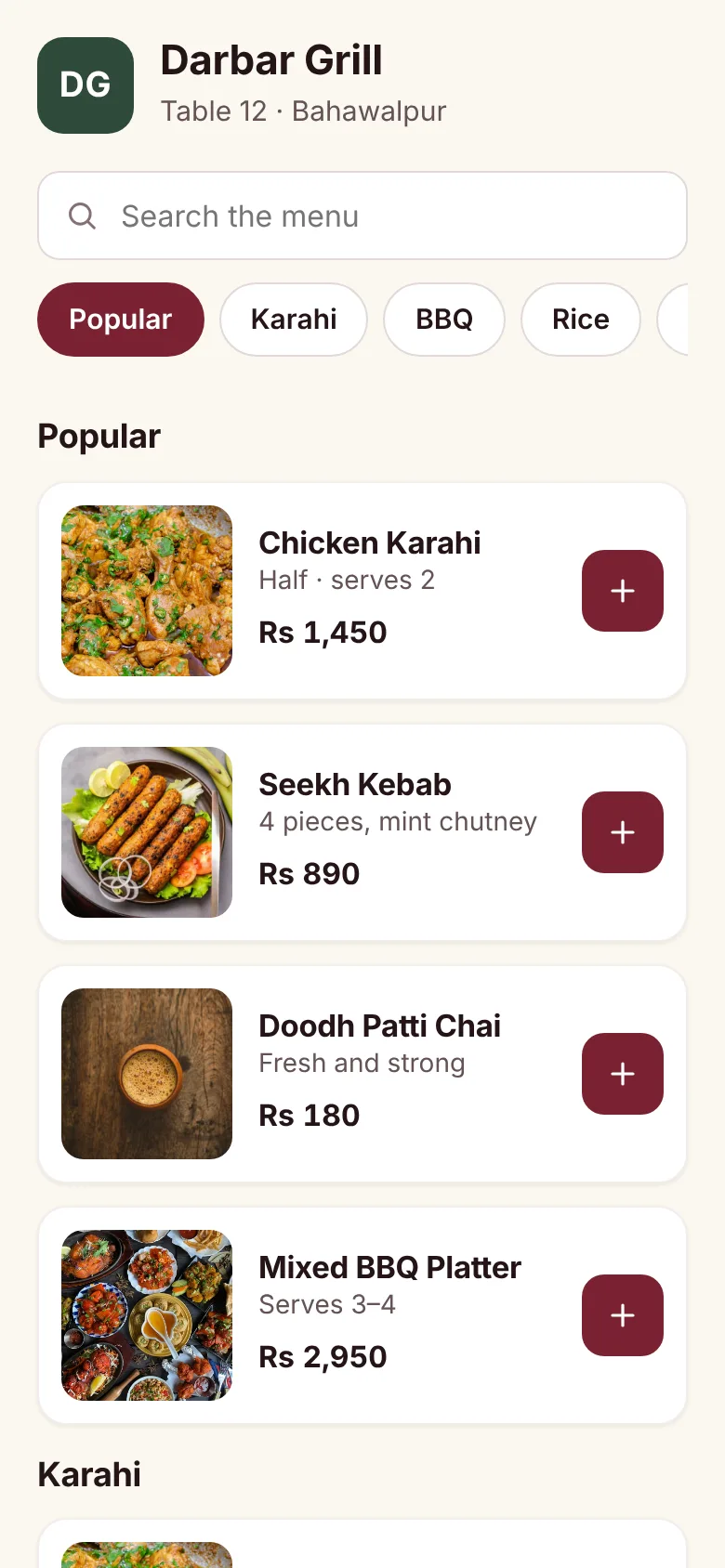
A family sits down and sees a card on the table: "Order in a tap. Scan the code with your phone camera." One of them scans it. The restaurant's menu opens in the browser with photos of the karahi, BBQ, breads and chai, and prices in rupees.
They choose a full Chicken Karahi, spicy, add a note for extra green chillies, add two roghni naan, and tap Place order. The order appears on a screen in the kitchen with the table number, and the family can see on the phone when the kitchen starts cooking and when the food is ready.
Questions owners in Pakistan usually ask
"My guests pay in cash. Does that work?"
Yes. Guests can choose cash or card at the table and staff bring the bill as usual. Ordering on the phone doesn't mean paying on the phone. Online payment with local options can come later; Saqvia lists it as planned, not available yet.
"Will it work on mobile data?"
A good QR menu is a light web page, built to load on phone data and not only on fast Wi-Fi. Compress photos and test the menu on mobile data away from your Wi-Fi before launch. Offering guest Wi-Fi helps too.
"Do guests need to download an app?"
No. They scan with the phone camera and the menu opens in the browser. Nobody has to install anything or create an account.
"What about guests who don't use smartphones?"
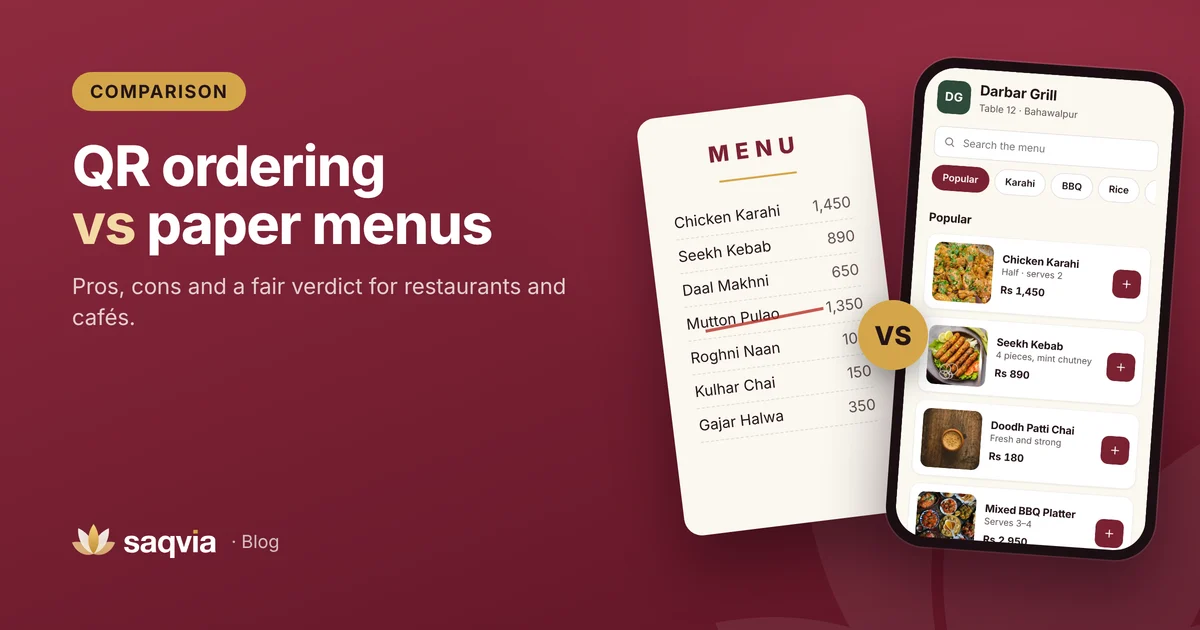
Keep a few printed menus, and let waiters take orders as usual. Staff can also open any table's menu and place an order for a guest. QR ordering works alongside your waiters, not instead of them. See QR ordering vs paper menus.
"What do I need to buy?"
Usually very little. Guests use their own phones. For the kitchen, a tablet, an LED TV with a small computer, or a laptop you already own is enough to run the kitchen display. You will also need printed table cards.
Where it helps most
Busy evenings and weekends
When every table is full, guests wait for a waiter, then wait again to add naan or another round of chai. With a code on the table they order the moment they are ready, and add more later in a few taps.
Large families and groups
Groups order a lot of dishes, sizes and extras. Typed orders with each item on its own line are much easier for the kitchen than a long list shouted over the noise. Read how to reduce order mistakes.
Changing prices
When ingredient costs change, updating a printed menu means reprinting. A digital menu is updated once and every guest sees the new price straight away.
Owners who aren't always on site
The owner dashboard shows today's orders, revenue, prep time and best sellers from a phone, so you can see how the evening is going even when you are away. More in 8 restaurant KPIs to track daily.
Cafés, food streets and hotels
- Cafés: guests settle in, order a coffee or chai, then order more later without queueing at the counter.
- Food courts and food streets: each stall or seating area can have its own codes and kitchen screen.
- Hotels and guest houses: codes in rooms and at restaurant tables for room service. See QR room service for hotels.
How to start in your city
- Prepare your menu with sections, prices, sizes (half and full) and options like spice level.
- Photograph your best sellers in daylight.
- List your tables and areas, including family halls, rooftops and outdoor seating.
- Set up the menu and print the table cards.
- Put a screen in the kitchen and run test orders with your staff.
Our full checklist is in how to set up QR table ordering.
Saqvia for every city, and worldwide
Saqvia, by Kelbari, is available to restaurants, cafés and hotels anywhere in Pakistan and worldwide. Everything is set up remotely: we add your menu and photos, create a QR code for every table and give you print-ready table cards. Each venue uses its own currency and time zone, so it works for a café in Lahore, a restaurant in Karachi or a hotel abroad.
See what Saqvia offers venues across the country on our QR ordering system in Pakistan page. Try the full flow in the Saqvia demo tutorial, then book a free demo or message us on WhatsApp. We'll show you how it would work with your own menu.
Frequently asked questions
Can guests pay in cash with QR ordering?
Yes. With Saqvia, guests choose cash or card at the table and staff bring the bill as usual. Online payment is planned for later.
Does a QR menu work on mobile data in Pakistan?
A well-built QR menu is a light web page that loads on mobile data. Compress photos and test it on mobile data before launch.
Which cities can use Saqvia?
Any city, in Pakistan or abroad. Saqvia is set up remotely, so restaurants, cafés and hotels from Bahawalpur and Multan to Lahore, Karachi and other countries can use it.