Digital menu design: 10 tips to raise your average order value
Design a digital menu guests enjoy: best sellers first, honest photos, clear descriptions, sizes, choices and pairings that raise order value.
A digital menu is often the first thing a guest looks at in your venue, and they look at it on a small screen, sometimes with one hand, sometimes in poor light. Good design makes it easy to choose. Great design also helps guests discover dishes they might have missed, which raises the average order value without any hard selling.
Here are ten practical digital menu design tips for restaurants, cafés and hotels.
1. Put your best sellers first
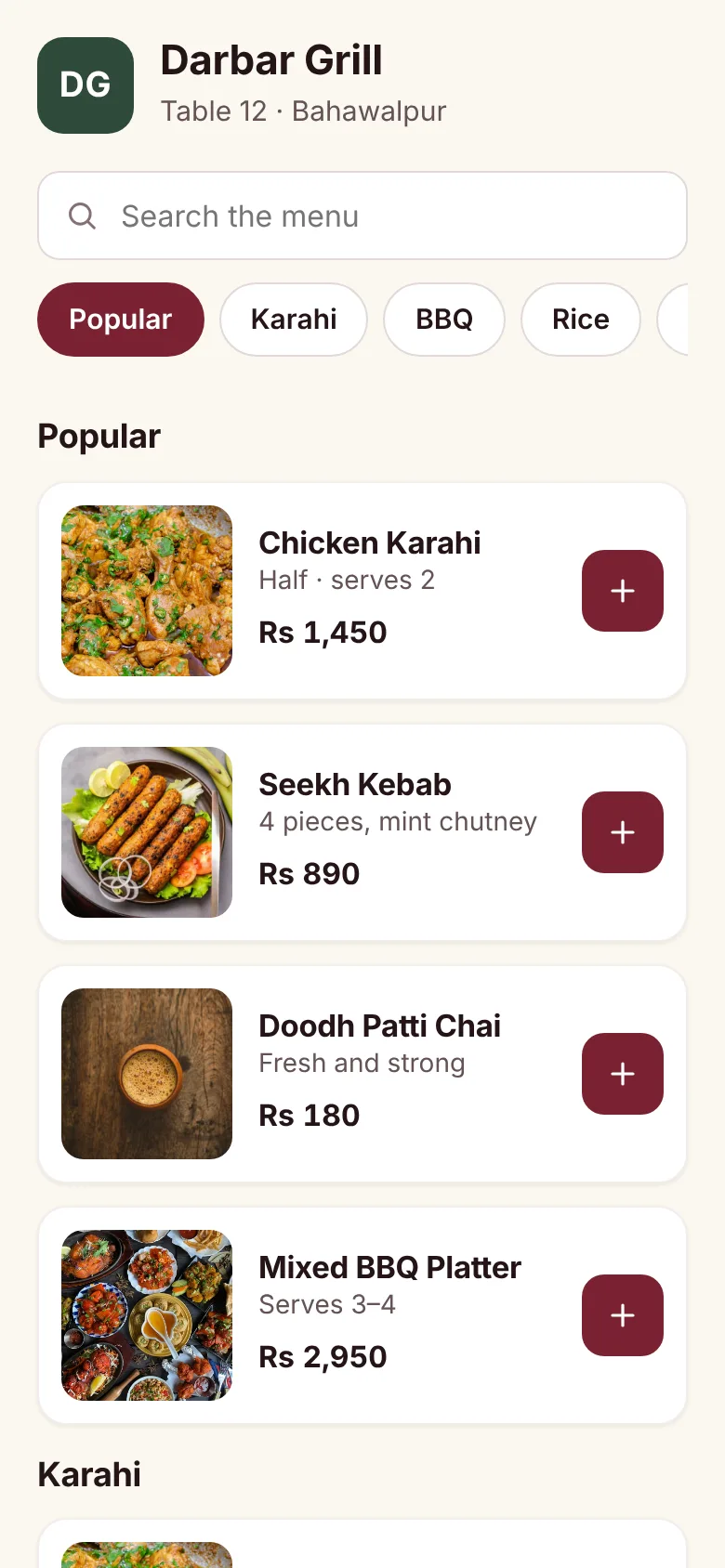
Guests decide fast. A Popular section at the top shows the dishes most people love, so first-time visitors have an easy starting point. Keep it short, around four to six dishes, and update it as your best sellers change. Your dashboard's best-seller list tells you which ones to pick (see restaurant KPIs to track).
2. Order sections the way people eat
Follow the natural flow of a meal: starters, mains, sides and breads, desserts, drinks. On a phone, guests scroll from the top, so the order of sections matters more than on paper. A row of section buttons at the top lets guests jump straight to what they want.
3. Use real, consistent photos
Photos are one of the most useful parts of a digital menu. A few rules:
- Photograph your own food, as it is actually served.
- Use daylight and a plain background.
- Keep the same angle and framing across dishes so the menu looks tidy.
- Compress photos so the menu loads fast on mobile data.
If you can't photograph everything yet, start with your best sellers and the dishes guests ask about most.
4. Write one clear line per dish
A good description answers "what is it?" and "how is it served?" in one line:
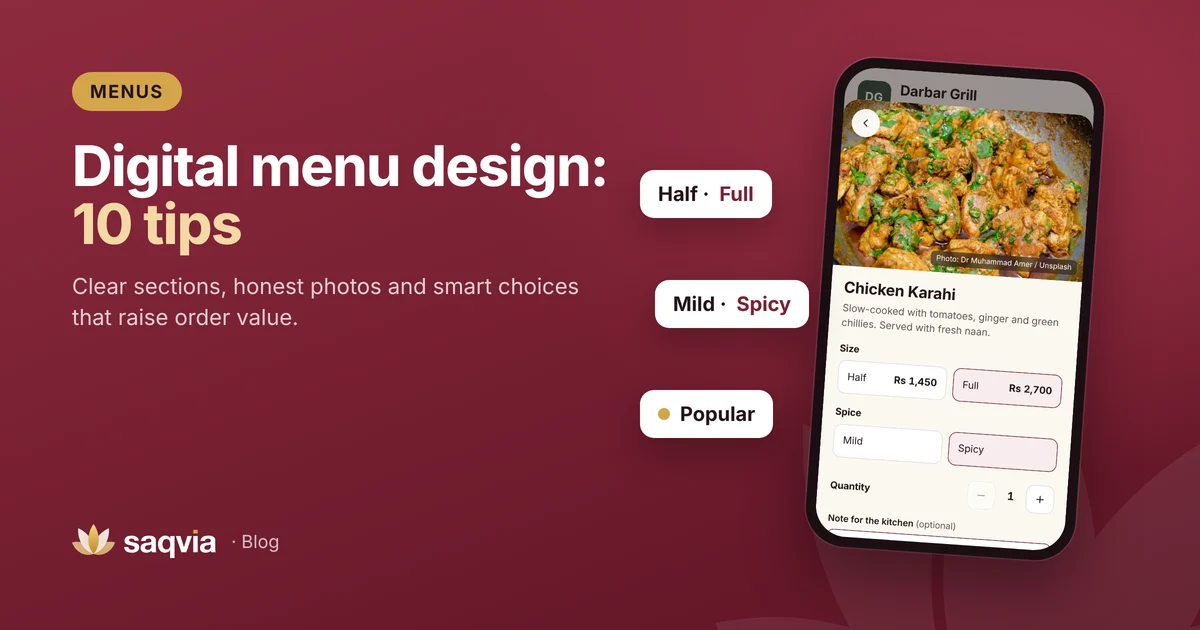
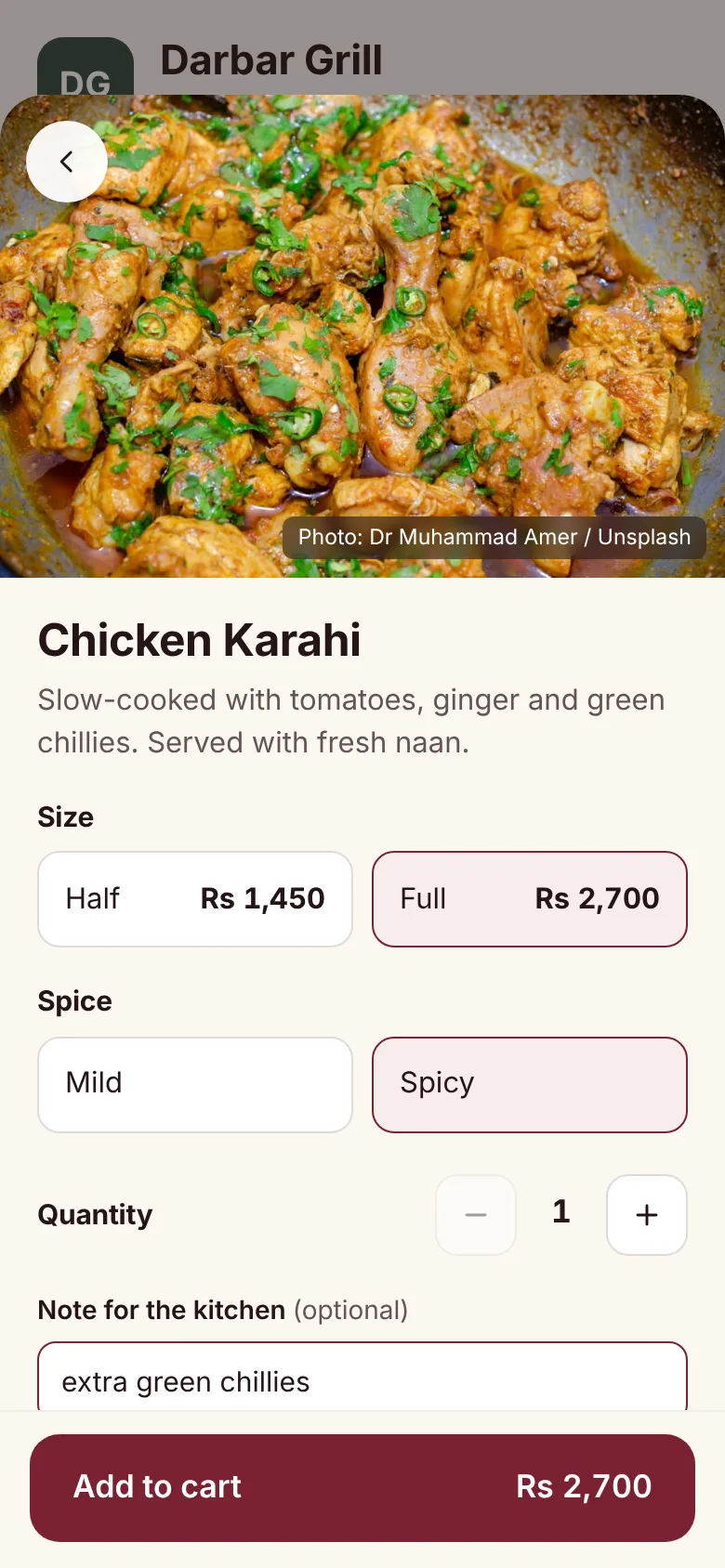
Slow-cooked with tomatoes, ginger and green chillies. Served with fresh naan.
Avoid long stories and vague words like "delicious" or "special". Mention anything guests need to know: spice, main ingredients, portion ("serves 2"), common allergens.
5. Offer sizes where they make sense
Sizes help two kinds of guests at once: the solo diner who wants a half portion and the family that wants a full one. Show both prices clearly on the dish. Groups often choose the larger size when it is clearly shown, while solo guests feel comfortable ordering a dish they would otherwise skip.
6. Turn common requests into choices
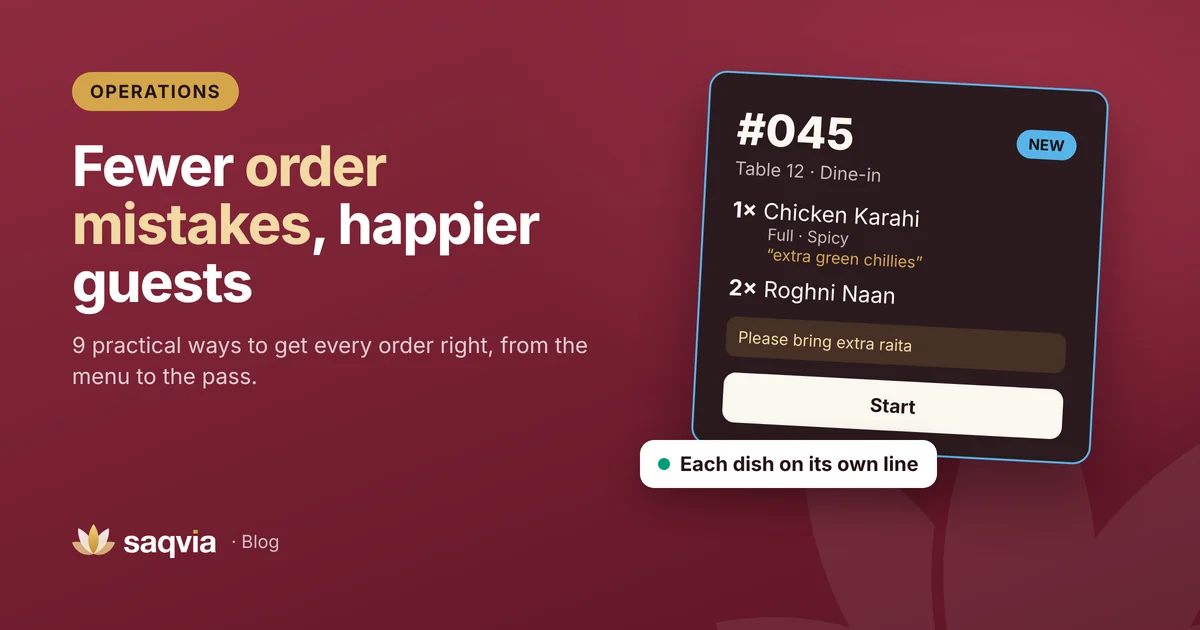
If guests often ask for mild or spicy, a choice of bread, or sauce on the side, make those choices on the dish. It is quicker for the guest, clearer for the kitchen and avoids mistakes. Read more in how to reduce order mistakes.
7. Suggest natural pairings
The easiest way to raise order value is to suggest what genuinely goes together: bread with karahi, raita with biryani, chai after dinner. Put breads and sides right after mains, and drinks and desserts where guests will see them when they finish the meal. Helpful suggestions feel like good service; pushy ones don't.
8. Make prices easy to read
Show prices in the same place on every dish, in your local currency, without unnecessary decimals. Hiding prices or making them hard to compare reduces trust. If a dish has sizes, show a "from" price on the list and the full prices inside the dish.
9. Keep it current, every day
A digital menu is only better than paper if it is up to date. Switch dishes to sold out the moment they run out, remove items you no longer serve and update prices in one place. A guest who orders something that isn't available loses trust in the whole menu.
10. Test it on a real phone
Before you share your menu with guests, test it like a guest would:
- Scan the code on an ordinary phone, away from your Wi-Fi.
- Check how fast it loads on mobile data.
- Read it in a dim corner of your dining room.
- Ask a friend who has never seen it to order something specific and watch where they hesitate.
Then fix what slowed them down.
A quick word on "menu engineering"
Menu engineering means looking at each dish's popularity and profit, then deciding where to place it, how to describe it and whether to keep it. A simple version works for any venue:
- Use your order history to list best sellers and slow sellers.
- Move strong, profitable dishes to the Popular section.
- Improve the photo and description of good dishes that sell slowly.
- Consider removing dishes that are slow and hard to prepare.
Review it every month or season, not just once.
How Saqvia helps
In Saqvia you can add sections, dish photos, sizes, choices like spice level, a Popular tag and a one-tap sold out switch, and changes appear on guests' phones straight away. The owner dashboard shows your best sellers each week.
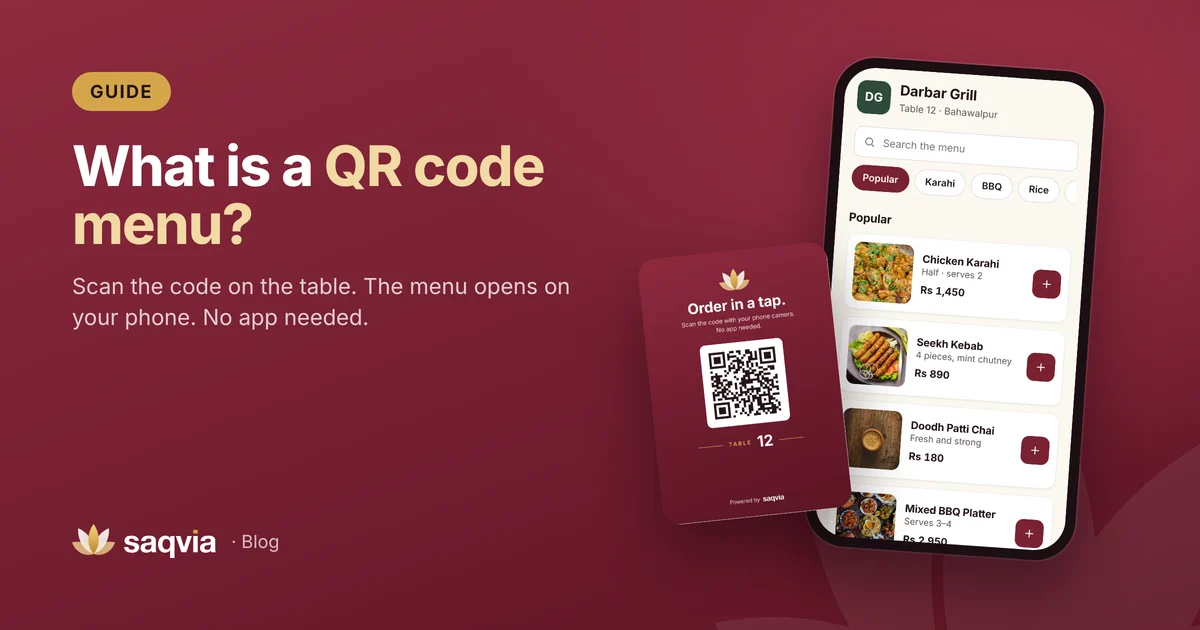
See it for yourself in the demo tutorial, or learn more in what a QR code menu is. Ready to design yours as part of a complete digital ordering system? Book a free demo.
Frequently asked questions
What makes a good digital menu?
Clear sections, a popular section at the top, real photos, one-line descriptions, easy-to-read prices and sold-out dishes switched off straight away.
How can a menu increase average order value?
Offer sizes where they make sense, make sides, breads and drinks easy to add, and place natural pairings next to main dishes.
How often should I update my digital menu?
Mark sold-out dishes every day, and review best and slow sellers monthly or each season.